24
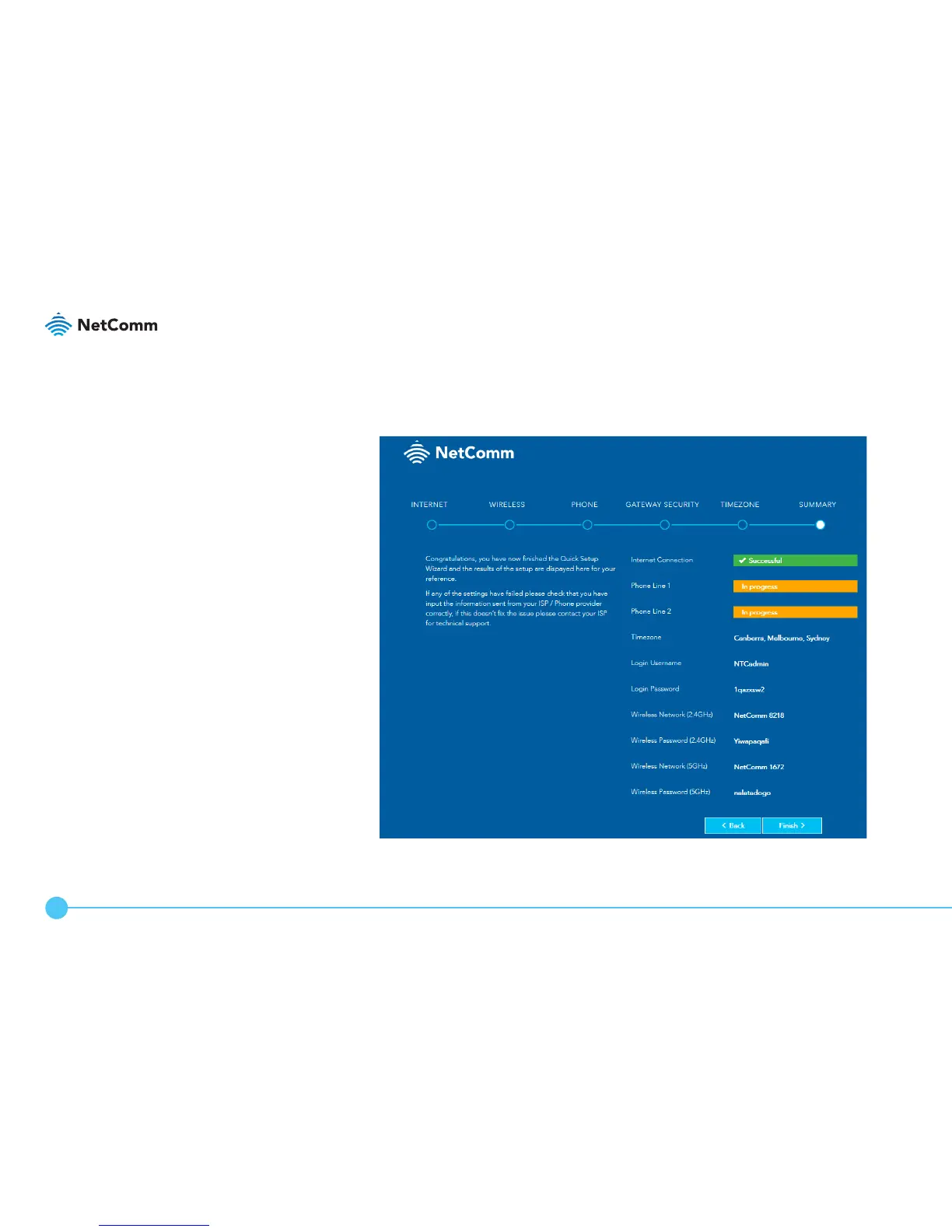
SUMMARY
The wizard displays a summary of the entered information. Check that the
details are correct. If they are correct, click the Finish > button. If they are not,
click the < Back button to go back to the relevant screen to make changes.
When you click the Finish > button, the router returns you to the log in screen.



 To Next Page