18
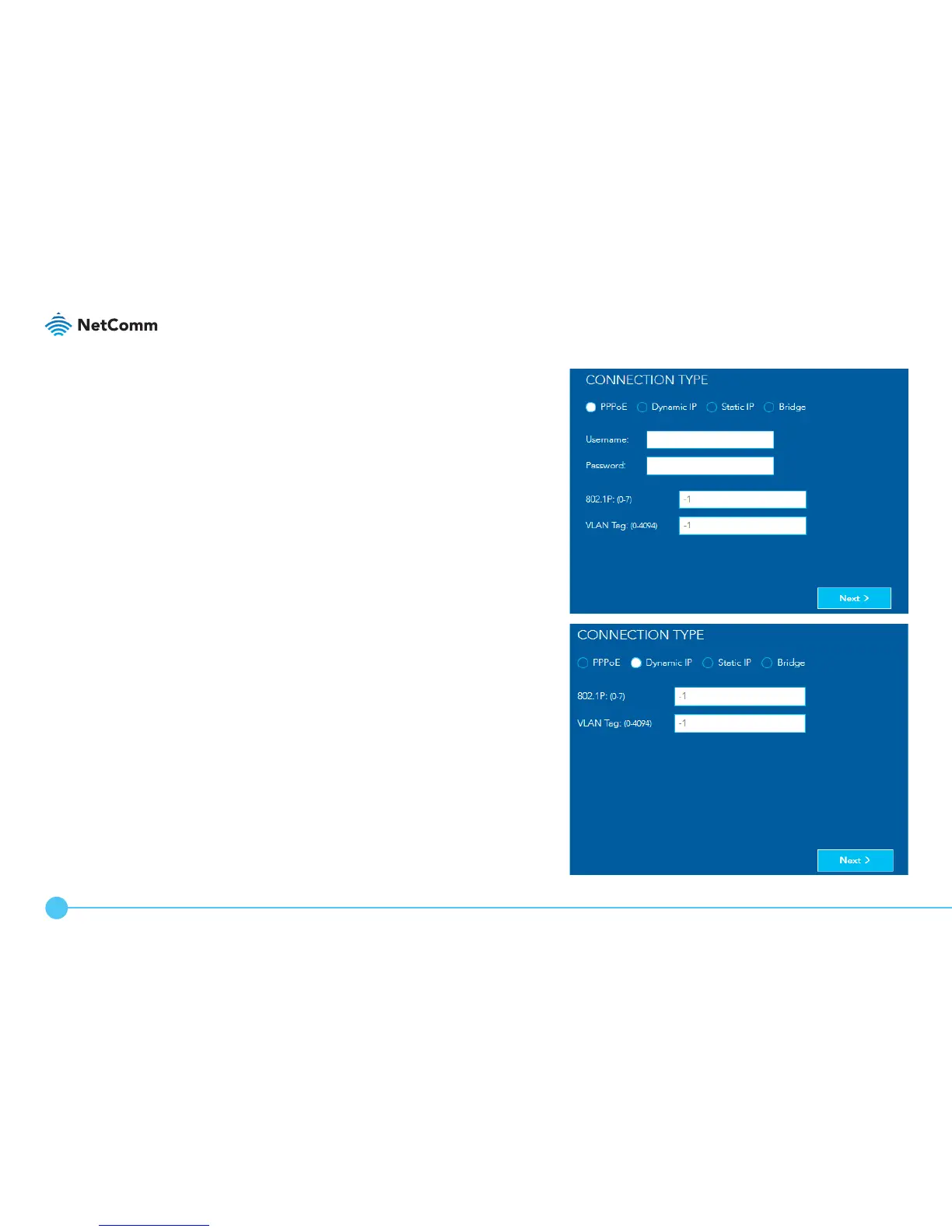
PPPoE
Enter the username and password, 802.1P priority and
VLAN Tag required by your ISP. If you are unsure of
these, contact your ISP. Click the Next > button when
you have nished.
Dynamic IP
Enter the 802.1P priority and VLAN Tag required by
your ISP. If you are unsure of these, contact your ISP.
Click the Next > button when you have nished.



 To Next Page