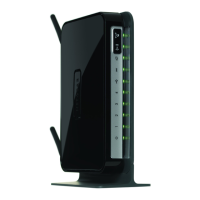
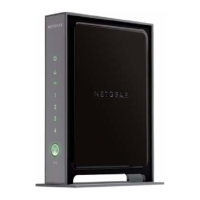
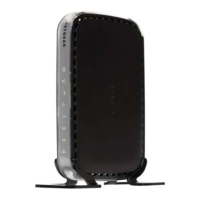
NETGEAR Wireless-N 300 Router WNR2000 User Manual
viii Contents
v1.3, July 2009
Backing Up Your Configuration ....................................................................................2-22
Understanding Your Firewall ........................................................................................2-23
Chapter 3
Restricting Access From Your Network
Content Filtering Overview .............................................................................................3-1
Blocking Access to Internet Sites ...................................................................................3-1
Blocking Access to Internet Services .............................................................................3-3
Blocking Services by IP Address Range ..................................................................3-5
Scheduling Blocking .......................................................................................................3-5
Viewing Logs of Web Access or Attempted Web Access ...............................................3-6
Configuring E-mail Alert and Web Access Log Notifications ..........................................3-7
Setting the Time Zone ....................................................................................................3-9
Chapter 4
Customizing Your Network Settings
Using the LAN IP Setup Options ....................................................................................4-1
Configuring a Device Name .....................................................................................4-2
Configuring LAN TCP/IP Setup Parameters ............................................................4-3
Using the Router as a DHCP Server ........................................................................4-4
Using Address Reservation ......................................................................................4-5
Using a Dynamic DNS Service .......................................................................................4-6
Configuring the WAN Setup Options ..............................................................................4-8
Disabling the SPI Firewall ........................................................................................4-8
Setting Up a Default DMZ Server .............................................................................4-8
Responding to a Ping on the Internet (WAN) Port ...................................................4-9
Setting the MTU Size ...............................................................................................4-9
Configuring NAT Filtering .......................................................................................4-10
Configuring Static Routes .............................................................................................4-10
Wireless Repeating (Also Called WDS) .......................................................................4-12
Wireless Repeating Function .................................................................................4-13
Setting Up the Base Station ...................................................................................4-14
Setting Up a Repeater Unit ....................................................................................4-15



 To Next Page
 Loading...