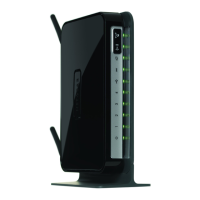
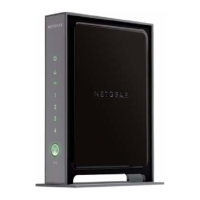
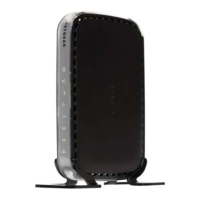
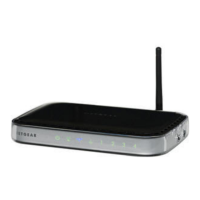
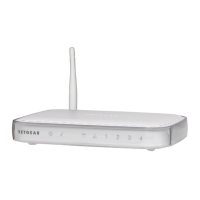
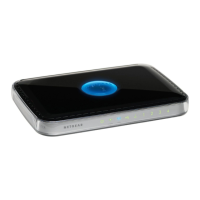
NETGEAR Wireless-N 300 Router WNR2000 User Manual
5-14 Fine-Tuning Your Network
v1.3, July 2009
Using Universal Plug and Play
Universal Plug and Play (UPnP) helps devices, such as Internet appliances and computers, to
access the network and connect to other devices as needed. UPnP devices can automatically
discover the services from other registered UPnP devices on the network.
To turn on Universal Plug and Play:
1. Select UPnP under Advanced the main menu. The UPnP screen displays.
2. The available settings and information displayed in this screen are:
• Turn UPnP On. UPnP can be enabled or disabled for automatic device configuration. The
default setting for UPnP is disabled. If this check box is not selected, the router does not
allow any device to automatically control the resources, such as port forwarding
(mapping) of the router.
Note: If you use applications such as multiplayer gaming, peer-to-peer connections, real-
time communications such as instant messaging, or remote assistance (a feature in
Windows XP), you should enable UPnP.
Figure 5-7



 To Next Page
 Loading...