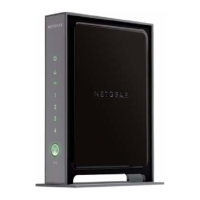
NETGEAR Wireless-N 300 Router WNR2000 User Manual
6-10 Using Network Monitoring Tools
v1.3, July 2009
Checking for New Firmware in the Router Upgrade Screen
To check for new firmware and allow the router to automatically install it:
1. Select Router Upgrade under Maintenance in the main menu. The Router Upgrade screen
displays.
2. Check for new software versions by clicking the Check button.
• If a new version is found, information about it appears.
Figure 6-6
Figure 6-7



 To Next Page
 Loading...