4-1
v1.3, July 2009
Chapter 4
Customizing Your Network Settings
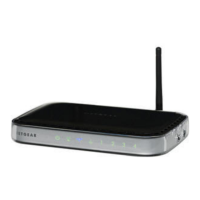
This chapter describes how to configure advanced networking features of the
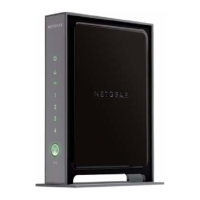
Wireless-N 300 Router Model WNR2000, including LAN, WAN, and routing settings.
It contains the following sections:
• “Using the LAN IP Setup Options”
• “Using a Dynamic DNS Service” on page 4-6
• “Configuring the WAN Setup Options” on page 4-8
• “Configuring Static Routes” on page 4-10
• “Wireless Repeating (Also Called WDS)” on page 4-12
Using the LAN IP Setup Options
The LAN Setup screen allows configuration of LAN IP services such as Dynamic Host
Configuration Protocol (DHCP) and Routing Information Protocol (RIP).



 To Next Page
 Loading...