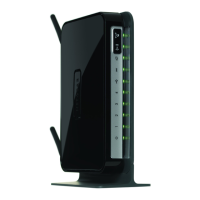
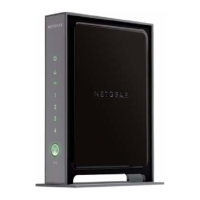
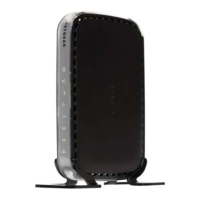
NETGEAR Wireless-N 300 Router WNR2000 User Manual
Using Network Monitoring Tools 6-11
v1.3, July 2009
• If no new firmware version is available, a message displays and the router returns to the
Firmware Update screen.
3. To update your firmware, click Yes and follow the prompts.
When the upload is complete, your router automatically restarts. The update process typically
takes about 1 minute.
Updating Manually to New Router Firmware
To manually select, download, and install new software to your router:
1. Log in to your router, select Router Status under Maintenance on the main menu, and make
note of the firmware version of your router.
2. Go to the WNR2000 support page on the NETGEAR website at
http://www.netgear.com/support.
Figure 6-8
Warning: When updating firmware to the WNR2000 router, do not interrupt
the Web browser by closing the window, clicking a link, or loading
a new page. If the browser is interrupted, it could corrupt the
firmware.
Figure 6-9



 To Next Page
 Loading...