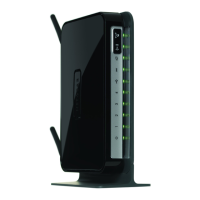
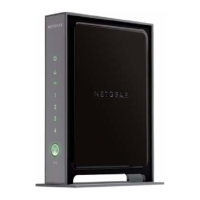
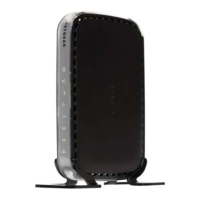
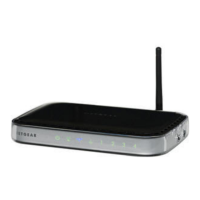
NETGEAR Wireless-N 300 Router WNR2000 User Manual
1-4 Configuring Basic Connectivity
v1.3, July 2009
3. In the main menu on the left, select Basic Settings under Setup. The Basic Settings screen
displays showing the wireless router’s home page and suggested default settings.
If the wireless router is connected to the Internet, you can select Knowledge Base or
Documentation under Web Support in the main menu to view support information or the
documentation for the wireless router.
Figure 1-4
Note: If the Check for New Version Upon Log-in check box is selected, the home
page is the Router Upgrade screen. Otherwise, it is the Basic Settings screen.



 To Next Page
 Loading...