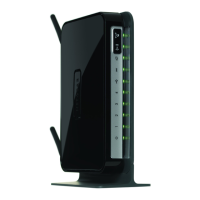
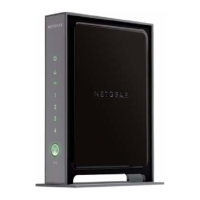
NETGEAR Wireless-N 300 Router WNR2000 User Manual
2-16 Safeguarding Your Network
v1.3, July 2009
2. Select Add WPS Client in the main menu, and click Next.
3. Select the PIN Number setup method.
4. On the wireless client, obtain its security PIN, or follow its specific networking instructions to
generate a client security PIN.
5. In the Add WPS Client screen of the WNR2000 router, enter the client security PIN in the
Enter Client’s PIN field.
6. Click Next. The following screen displays, and the Smart Wizard initiates the wireless
connection:
Figure 2-8
Figure 2-9



 To Next Page
 Loading...