EasyManua.ls Logo

NETGEAR HA501 - User Manual

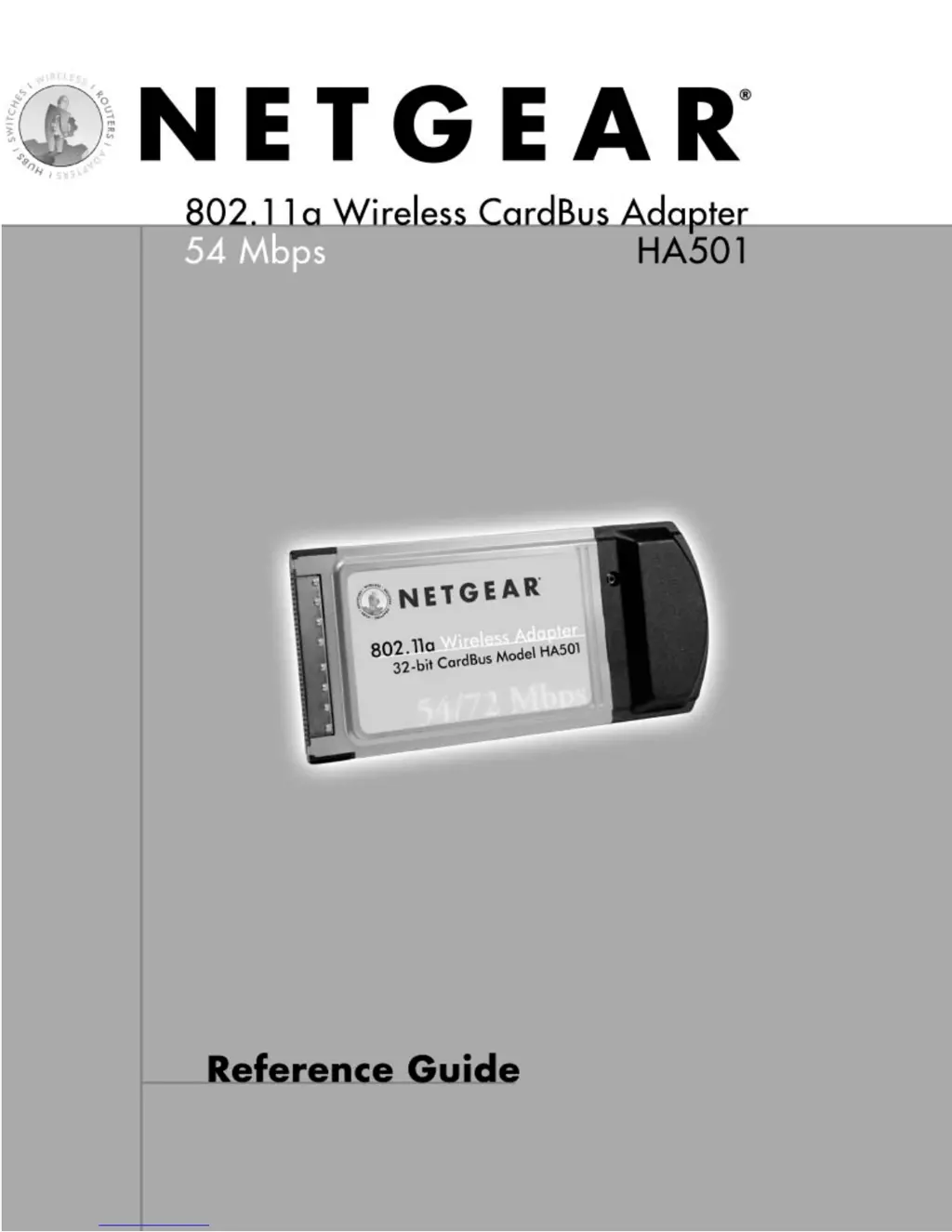
NETGEAR HA501
23 pages
Print Icon
To Next Page IconTo Next Page
Loading...
1

Other manuals for NETGEAR HA501

Questions and Answers

  • M
    markdavidAug 10, 2025
    Why are the two LEDs blinking alternately on my NETGEAR Adapter?
    • M
      Michelle HillAug 11, 2025
      The LEDs on your NETGEAR Adapter might be blinking alternately because the wireless adapter isn't properly associated with any access point, or the wireless parameters of the wireless nodes aren't the same as the access point. To resolve this: * Ensure the access point is powered on. * Verify that the access point and the PC card have the same wireless parameters, checking the SSID, Turbo mode option, and WEP encryption settings. * Try moving the system closer to the access point or readjusting the antenna on the access point. Moving the access point to a higher location may also improve signal reception.
  • T
    Tiffany PetersAug 21, 2025
    How to fix no lights on NETGEAR Adapter?
    • M
      matthewgonzalezAug 21, 2025
      If no lights are lit on your NETGEAR wireless adapter, it could be due to the wireless card driver not being properly inserted into the CardBus PC card slot, or the correct HA501 wireless adapter driver not being loaded. Try the following: * Remove and reinsert the wireless adapter. * Check the Device Manager in Windows to see if the adapter card is properly recognized. Reload the driver if necessary. * If available, try installing the driver in a different CardBus PC card slot on your Windows NT system.
  • A
    Anthony PayneAug 31, 2025
    What to do if I am connected to an access point but cannot see other computers on the Ethernet side of the network with my NETGEAR Adapter?
    • A
      Anna RubioAug 31, 2025
      If you're connected to an access point but can't see other computers on the Ethernet side of the network with your NETGEAR Adapter, it could be a physical layer or network configuration issue. First, check that the access point is physically connected to the Ethernet network. Then, ensure that the IP addresses and Windows networking parameters are configured correctly.

NETGEAR HA501 Specifications

General IconGeneral
Radio Data Rate6, 9, 12, 18, 24, 36, 48, 54, 72 for Turbo mode (Auto rate capable)
Frequency5.15 ~ 5.25 GHz (lower band) for US/Canada, Japan 5.25 ~ 5.35 GHz (middle band) for US/Canada
Range: @ 6 Mbps @ 54 MbpsOutdoor environment Indoor environment 1200 ft. 300 ft. 100 ft. 60 ft.
Encryption40-bit (also called 64-bit), 128-bit or 152-bit WEP data encryption
Maximum computers per networkLimited by the amount of wireless network traffic generated by each node; typically 30 to 70 nodes.
Bus interfacePCMCIA type II PC Card
Provided driversMicrosoft Windows 98, NT 4.0, 2000, Millennium, XP
Status LEDsPower/Network
Electromagnetic ComplianceFCC Part 15 Class B and Class E
Environmental SpecificationsOperating temperature: 0 to 60° C Operating humidity: 5-95%, noncondensing
WarrantyLimited 5-year warranty
Weight and Dimensions IconWeight and Dimensions
DimensionsW: 88 mm (3.4 in) D: 54 mm (2.1 in) H: 5 mm (0.2 in)
Weight43.4 g (1.6 oz)

Related product manuals