9
You can use an Ethernet cable or connect with WiFi:
• For a wired connection, use an Ethernet cable (not included) to
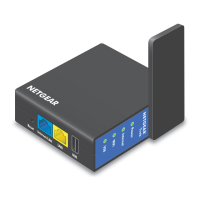
connect your computer to the LAN port on the Trek.
• To connect with WiFi, use the Trek’s network name (SSID) and
WiFi password, which are on the sticker near the Internet Mode
switch. For more information, see Connect Devices to Your Trek
with WiFi on page 16.
4. Launch a web browser.
5. Enter www.routerlogin.net in the address field of the browser.
The Wireless as WAN screen displays, which shows the available WiFi
networks.
6. If a login screen displays, do the following:
a. Enter admin for your user name and password for your
password.
The BASIC Home screen displays.
b. Select Internet.
The Wireless as WAN screen displays, which shows the available
WiFi networks.





 To Next Page

