10
SETTING UP iPLAYER
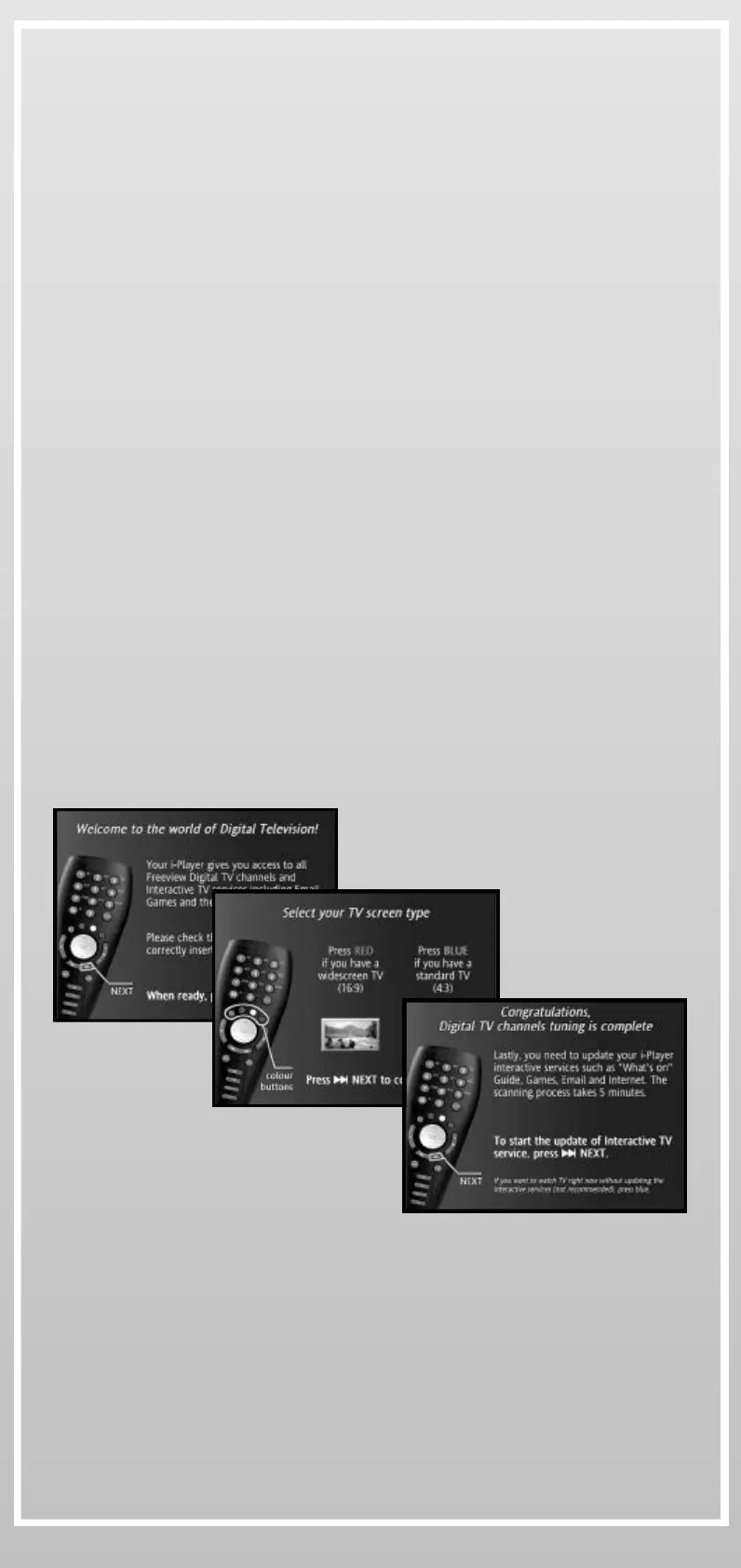
Once iPlayer is correctly connected, switch it on and follow the on-
screen instructions.
After a quick tour explaining how to use the Remote Control, the
Setup process will:
} Scan all the Digital Services (TV Channels, Radios and Digital
Text) available in your area
} Check if a newer iPlayer software version is available for you.
Please connect iPlayer to the phone line even if you want to use a
broadband connection later
} Setup your Internet connection. From there you will be able to
configure how iPlayer will connect to the Internet using one of the
three proposed methods:
_ with your existing Internet Service Provider (ISP) access
package
_ with your existing broadband connection
_ or with iPlayer default modem connection
} Setup your mailboxes using your existing email addresses or using
iPlayer free email addresses
After the Setup process iPlayer is ready!


 To Next Page