13
Go Top ↑
4. Powering On/Off NA255A
When NA255A is set for powering on/off by host, the NA255A will be automatically powered
on and off with the host computer. (Default)
If NA255A is set for powering on/off manually, the standard powering on/off procedure
below must be followed (go to Section 2.3, SW2-1):
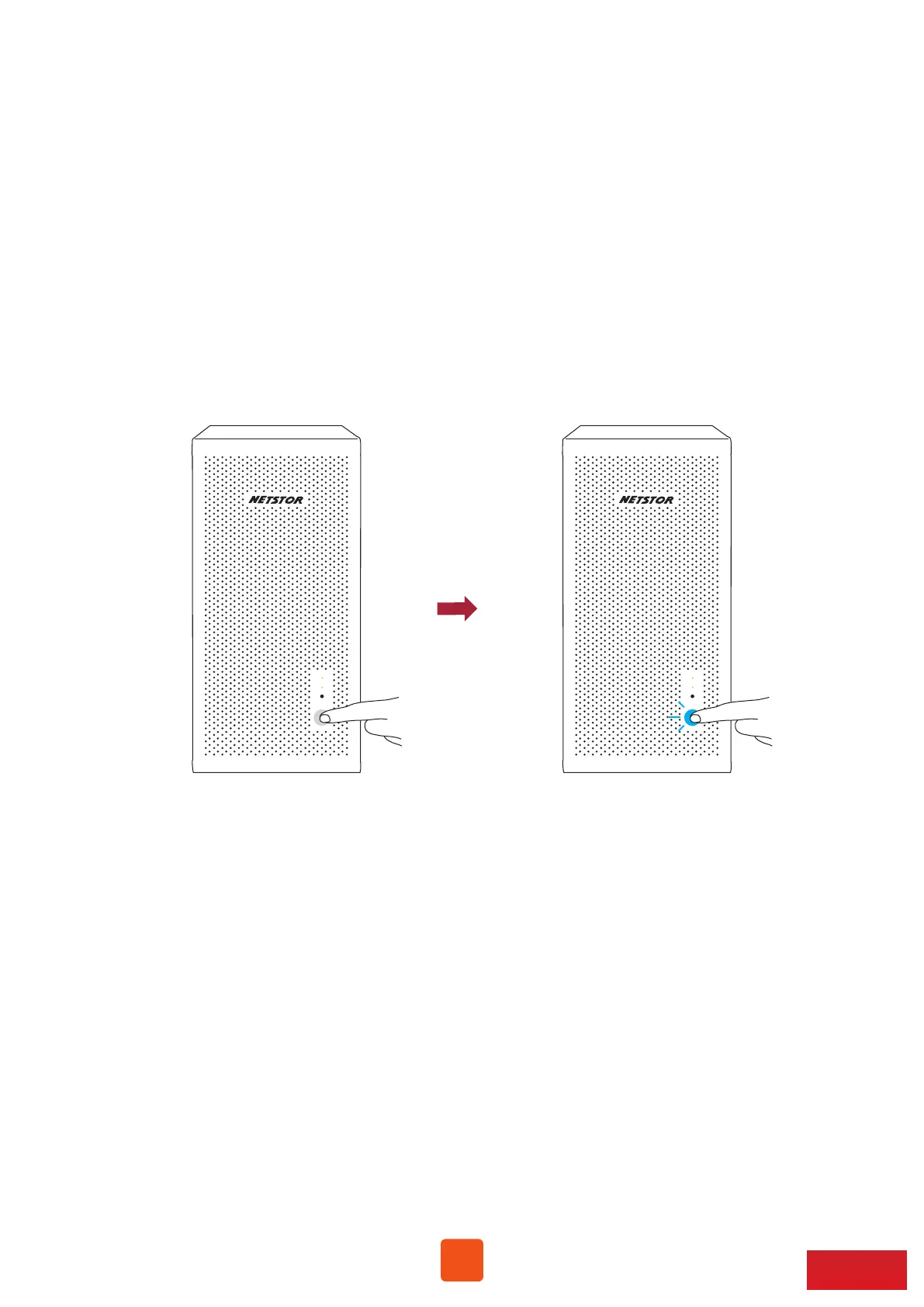
1. Power on NA255A by holding the power LED button for two seconds until the
LED button shows blue light.
2. In order to let computer’s BIOS identify and assign PCIe resources appropriately,
always power on NA255A first, and then power on computer.
3. To remove NA255A from computer, always power off computer first, and then
power off NA255A.



 To Next Page