3
Go Top ↑
1. Unpack the NA255A
2. Expansion Chassis Description
2.1 Panel Layout
The box contains the following items:
。Netstor NA255A
。PCIe 3.0 ×16 host card
。Two PCIe 3.0 ×8 1.5-meter cables
。Power cord
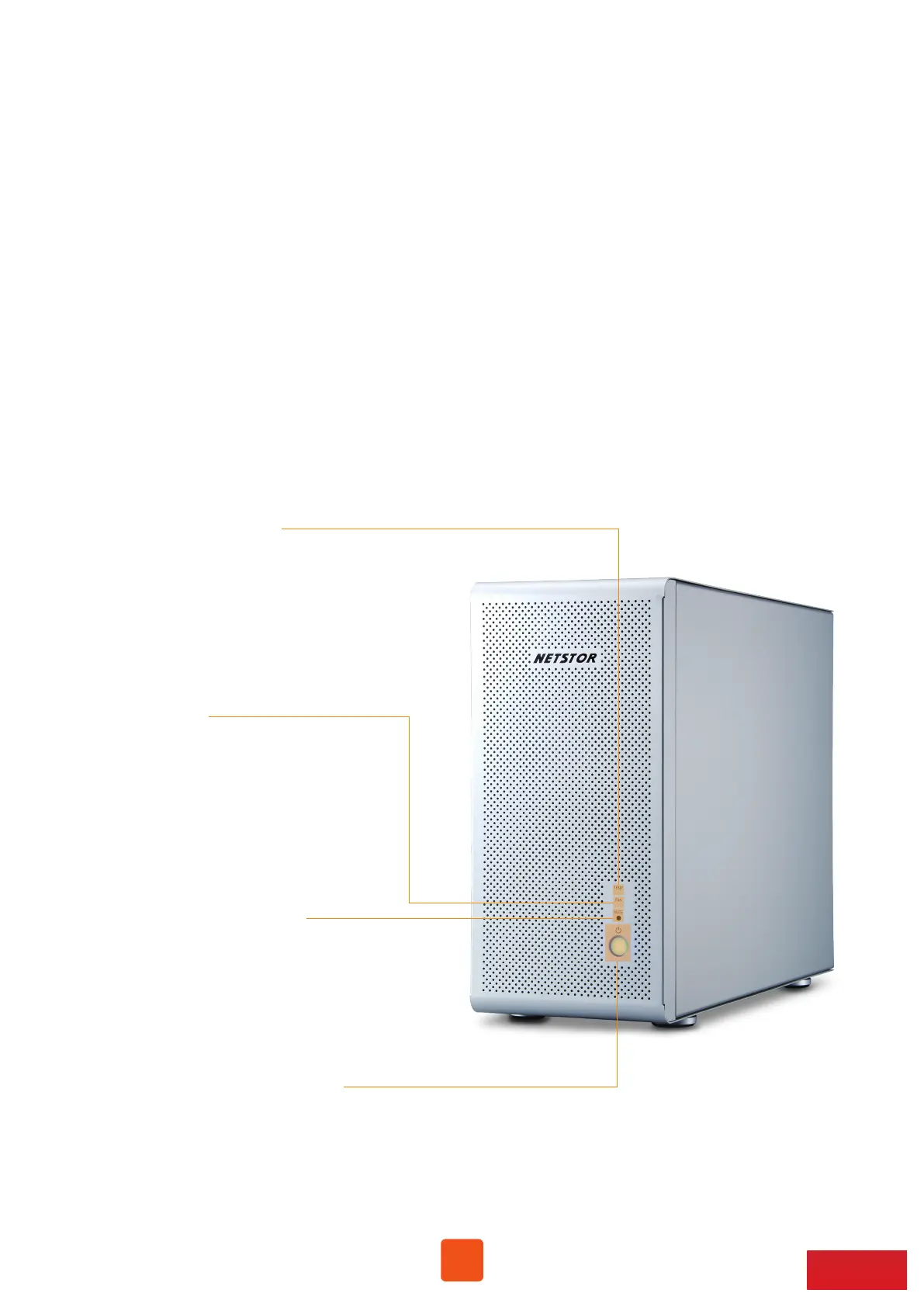
1. Power on/off LED button
。Blue - power on
Note: when at powering on/off NA255A manually mode, to power
on/off NA255A, hold the power LED button for two seconds
until the LED button shows blue light or off.
4. Temperature LED
。Green – normal
。Red – over temperature (above 55℃)
3. Fan LED
。Green – normal
。Red – fan failure
(low frequency of RPM or stop)
2. Buzzer mute button



 To Next Page