15
Go Top ↑
4. No software or driver is required for NA255A itself. As a graphics/PCIe card is in NA255A,
the request for the driver of the graphics/PCIe card will be prompted at operating system.
Please follow the driver installation instructions given by the manufacturer of the
graphics/PCIe card.
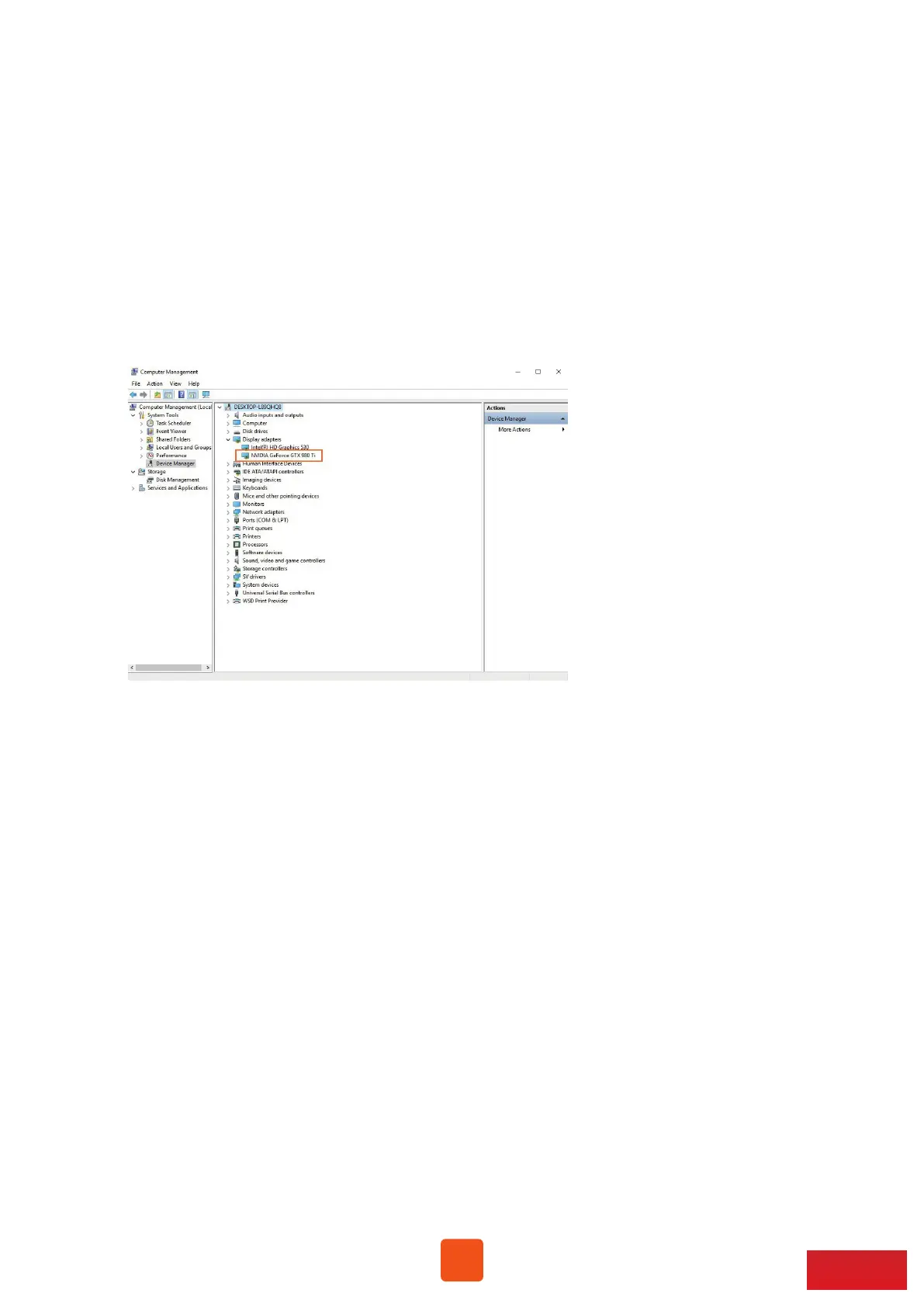
5. As the driver is installed on operating system, the graphics/PCIe card in NA255A will
work properly with computer, and the graphics/PCIe card within the Netstor unit will
be shown correctly in Device Manager.
6. Whether a computer motherboard supports four graphics cards depends on the BIOS
of motherboard. Consult with the manufacturer of motherboard to see if BIOS’s
resource supports four graphics cards.



 To Next Page