9
Go Top ↑
3. Remove the L shape metal bracket at rear of NA255A by loosening the screw on metal bracket.
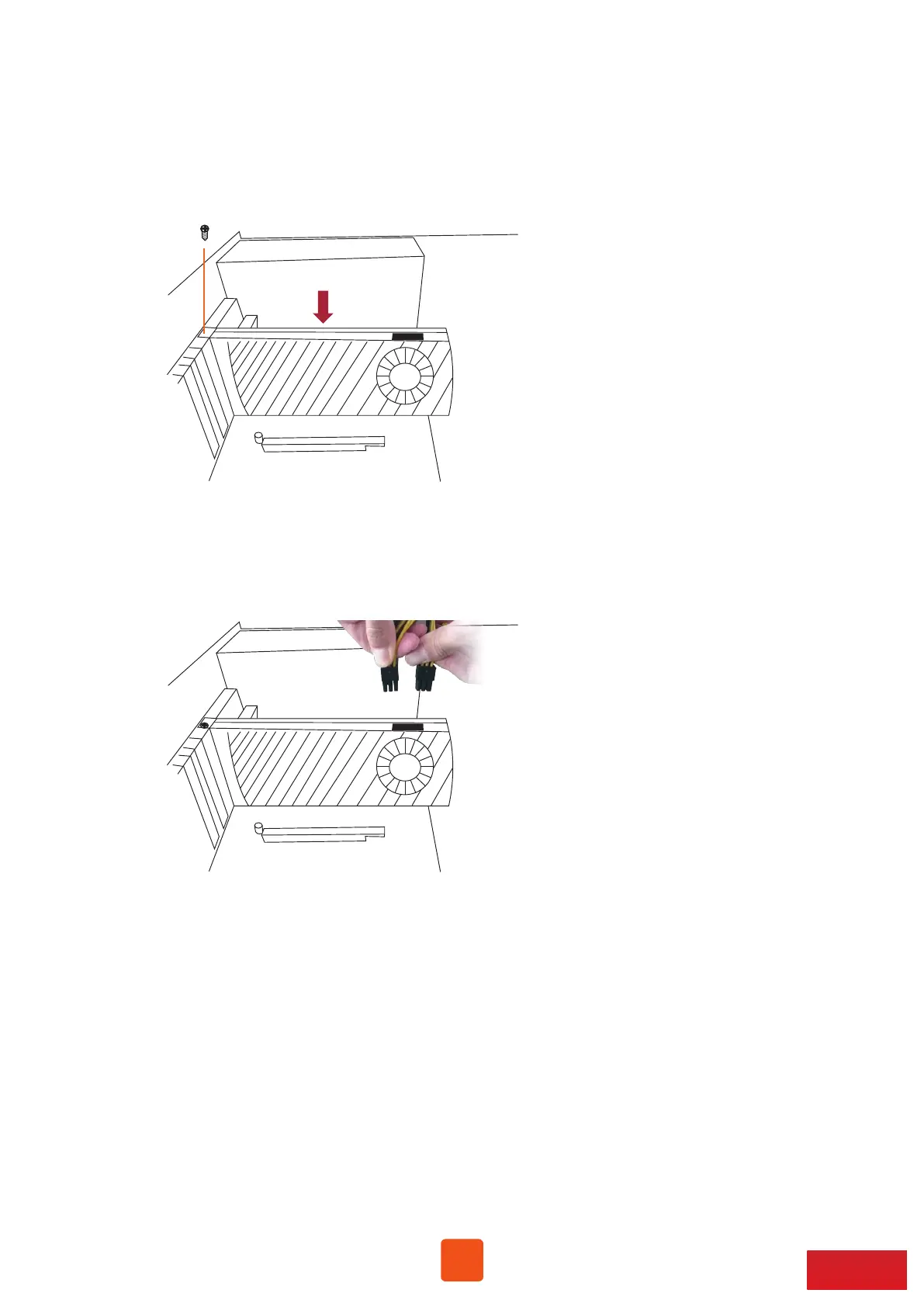
4. Install one graphics/PCIe card into the PCIe ×16 slot in NA255A and tighten the card with screw.
5. Each graphics card in NA255A is provided with supplementary 6+2 pin and 6-pin PCIe power
cables for sufficient power. Up to four dual-width, full-length graphics cards can be installed
in slots 2 ~ 5 in the Netstor chassis.



 To Next Page