EasyManua.ls Logo

netta OL12-B015E - User Manual

netta OL12-B015E
24 pages
Print Icon
To Next Page IconTo Next Page
Loading...
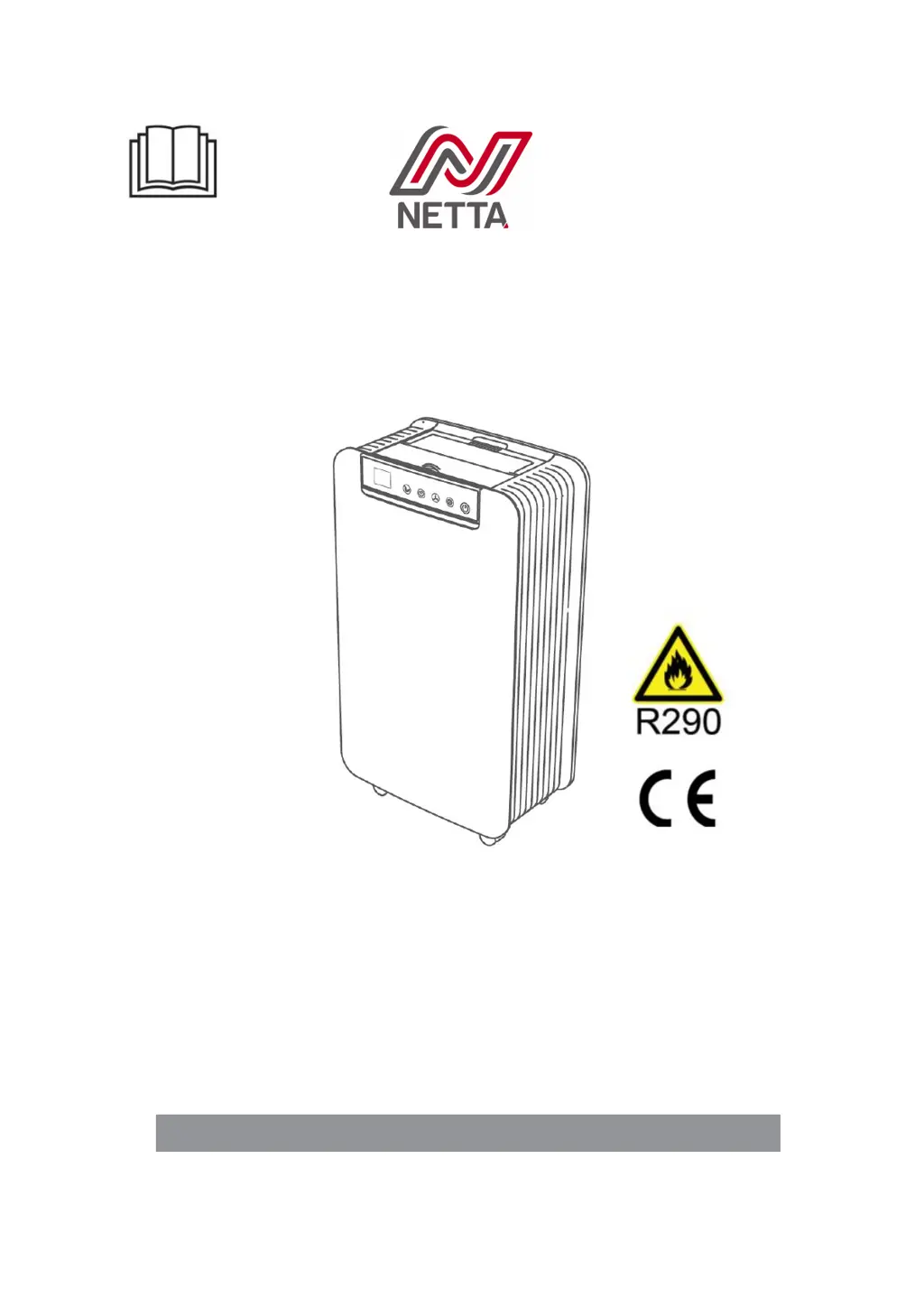
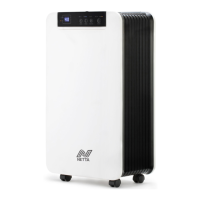
Home Dehumidifier
User Manual
OL12-B015E
(With R290 refrigerant)
READ AND SAVE THESE INSTRUCTIONS

Questions and Answers

  • J
    Jeffery EllisAug 15, 2025
    How to reduce excessive noise from my Netta Dehumidifier?
    • M
      Michael AndersonAug 15, 2025
      If your Netta Dehumidifier is making excessive noise, ensure it is placed on a horizontal and firm surface. Also, check that all parts are securely tightened. Note that some noise from flowing refrigerant is normal.
  • A
    amy25Aug 18, 2025
    What to do if my Netta Dehumidifier is leaking water?
    • T
      Tristan HayesAug 18, 2025
      If your Netta Dehumidifier is leaking water, make sure to empty the water tank before moving it. Additionally, ensure that the hose is straight to prevent any traps from forming.
  • A
    alvarezmichaelAug 22, 2025
    Why my netta OL12-B015E is not turning on?
    • K
      Kathleen JohnsonAug 22, 2025
      If your Netta Dehumidifier is not operating, ensure the power cord is securely inserted into the wall outlet. Also, empty the water tank and reinstall it correctly. The operating temperature range for the unit is 5-35?.
  • M
    Michael MorrowAug 25, 2025
    What does error code HI mean on my netta OL12-B015E Dehumidifier?
    • D
      Dr. Joseph JuarezAug 26, 2025
      The error code HI on your Netta Dehumidifier indicates that the room's relative humidity is above 95%RH. This is normal, and the compressor and fan will continue to run.
  • R
    Rebecca WeeksAug 28, 2025
    What does error code LO mean on my Netta Dehumidifier?
    • C
      clarence68Aug 28, 2025
      The error code LO on your Netta Dehumidifier appears when the room's relative humidity is below 20%RH. This is normal; the compressor stops, but the fan continues to run.
  • A
    angelahernandezAug 31, 2025
    What does error code CH mean on my netta OL12-B015E?
    • B
      Brandon PetersonSep 1, 2025
      The error code CH on your Netta Dehumidifier indicates that the room temperature is above 35°C (95°F). This is normal; the compressor will stop, but the fan will keep running.
  • T
    Teresa BarnettSep 4, 2025
    What does error code CL mean on netta OL12-B015E?
    • K
      keithfarleySep 4, 2025
      The error code CL on your Netta Dehumidifier means the room temperature is below 5°C (41°F). This is normal; the compressor stops, but the fan continues to run.
  • N
    nicolas10Sep 7, 2025
    Why is there little condensate formation in my netta OL12-B015E Dehumidifier?
    • F
      fcamachoSep 7, 2025
      If there is little condensate formation in your Netta Dehumidifier, start by cleaning the air filter. Also, ensure there are no obstacles blocking the unit. Note that low humidity in low-temperature environments is normal. You may also need to set the humidity level below the current humidity value.
  • J
    Jonathan FloresSep 12, 2025
    What does error code E1 mean on my netta OL12-B015E Dehumidifier?
    • A
      Anthony WilsonSep 12, 2025
      If your Netta Dehumidifier displays error code E1, the humidity sensor may be dampened or have failed. You should clean or replace the humidity sensor.

Summary

1. BEFORE YOU BEGIN

1.1 PRODUCT DESCRIPTION

Describes the dehumidifier's function and the R290 refrigerant used.

1.2 SYMBOLS FROM THE UNIT AND USER MANUAL

Explains symbols related to flammable refrigerant and reading the manual.

2. FOR YOUR SAFETY

2.1 OPERATIONAL PRECAUTIONS

Guidelines for safe operation to prevent fire, electric shock, or injury.

2.2 SAFETY PRECAUTIONS ON SERVICING

Specific safety measures to be taken when servicing the dehumidifier.

3. INSTALLATION

3.1 LOCATION

Guidance on selecting a suitable location for unit installation.

3.2 OPERATING THE DEVICE SAFELY

Important safety guidelines for operating the dehumidifier.

4. PRODUCT OVERVIEW

4.1 FRONT VIEW

Diagram and labels for the front components of the dehumidifier.

BACK VIEW

Diagram and labels for the back components of the dehumidifier.

4.2 FEATURES

Lists the key features and capabilities of the dehumidifier.

4.3 SPECIFICATIONS

Provides technical specifications such as capacity, voltage, and power.

5. OPERATION

5.1 CONTROL PANEL

Details the control panel layout, keys, and indicator lights.

5.2 SETTINGS

Explains how to set operation modes, humidity, fan speed, and timer.

5.3 DRAINAGE

Explains manual and continuous drainage methods, including tank emptying and continuous draining.

6. MAINTENANCE

6.1 CLEANING THE AIR FILTER

Instructions for cleaning the air filter every two weeks.

6.2 CLEANING UP OF REFRIGERANT

Safety procedures for cleaning up refrigerant spills.

7. TROUBLESHOOTING

8. DECOMMISSIONING

8.1 STORAGE

Steps for storing the unit for extended periods.

8.2 DISPOSAL

Guidelines for safely disposing of the appliance and its components.

netta OL12-B015E Specifications

General IconGeneral
Brandnetta
ModelOL12-B015E
CategoryDehumidifier
LanguageEnglish

Related product manuals