EasyManua.ls Logo

netta OL20-BD030AM - User Manual

netta OL20-BD030AM
23 pages
Print Icon
To Next Page IconTo Next Page
Loading...
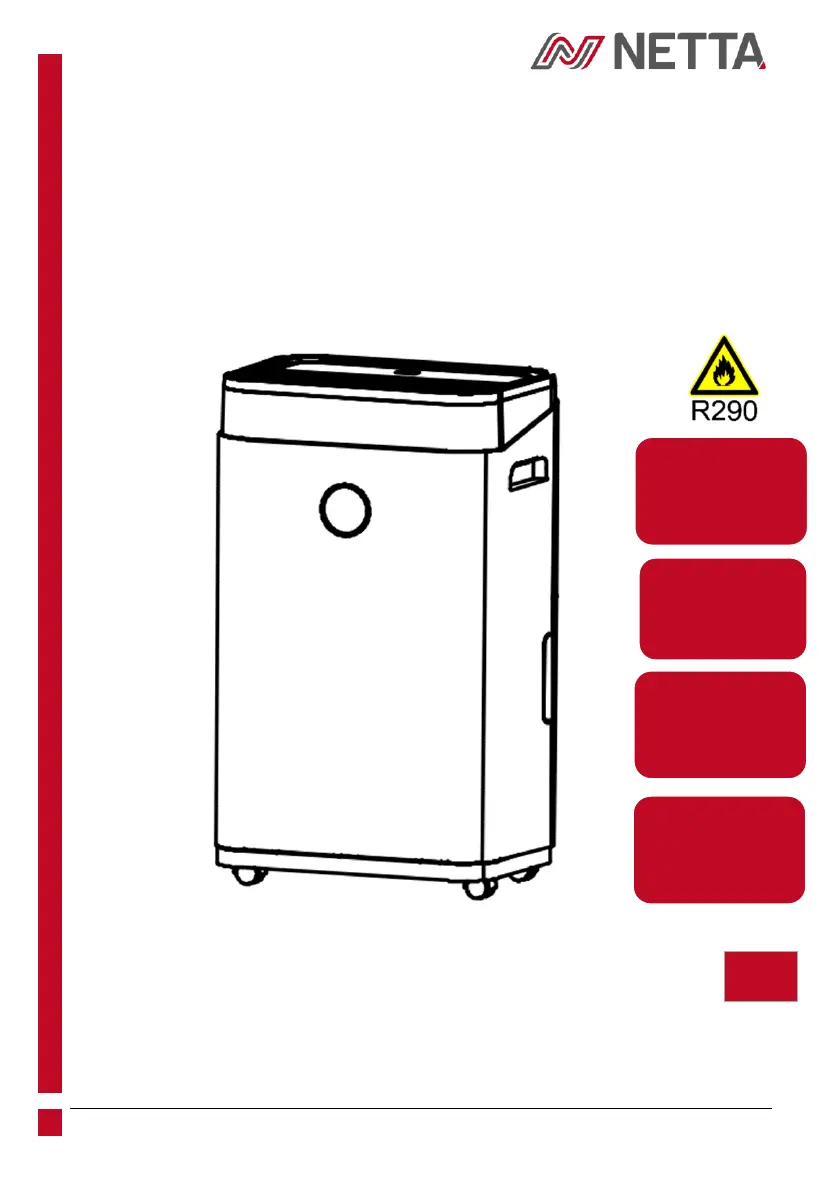
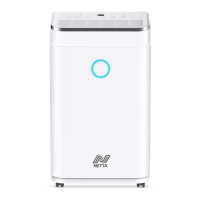
20L/25L
DEHUMIDIFIER
---------------------------------------------------------------------------------------------------
EN USER INSTRUCTION & OPERATION MANUAL
ES MANUAL DE INSTRUCCIONES Y OPERACIONES PARA EL
USUARIO
DE BENUTZERANLEITUNG & BETRIEBSANLEITUNG
FR MANUEL D'UTILISATION ET D'UTILISATION
IT ISTRUZIONI PER L'USO E MANUALE OPERATIVO
TIMER
0-24 HOURS
LOW NOISE
45dB(A)
CHILD-LOCK
FUNCTION
POWER
CORD
1.5M
EN

Questions and Answers

  • R
    Richard BurnsAug 15, 2025
    What to do if my netta OL20-BD030AM Dehumidifier is not operating?
    • K
      Kristin HarrisonAug 15, 2025
      If your Netta Dehumidifier is not operating, ensure the power cord is securely inserted into the wall outlet. Also, check if the water tank is full; empty it and reinstall it correctly. Finally, make sure the room temperature is within the operating range of 5-35 degrees Celsius.
  • B
    Brian HarveyAug 19, 2025
    Why is my netta Dehumidifier making excessive noise?
    • K
      Kevin McdonaldAug 19, 2025
      Excessive noise from your Netta Dehumidifier can be due to a few reasons. First, ensure the unit is placed on a horizontal and firm surface. Next, check for any loose parts and tighten them. If the noise sounds like water flowing, it's likely the refrigerant, which is normal.
  • J
    James JonesAug 22, 2025
    What to do if my netta OL20-BD030AM is leaking water?
    • J
      joanevansAug 22, 2025
      If your Netta Dehumidifier is leaking water, empty the water tank before moving the unit to prevent overflow. Also, check the drainpipe for any kinks or bends, and straighten the hose to ensure proper drainage.
  • D
    daniel30Aug 25, 2025
    What does error code HI mean on my netta OL20-BD030AM Dehumidifier?
    • B
      Briana SolisAug 26, 2025
      Error code HI on your Netta Dehumidifier indicates that the ambient humidity is above 90%. This is normal, and the compressor and fan will continue to operate under these conditions.
  • D
    Deborah MitchellAug 29, 2025
    Why is there little condensation forming in my netta OL20-BD030AM Dehumidifier?
    • J
      John StephensonAug 29, 2025
      Little condensation forming in your Netta Dehumidifier can occur for several reasons. The air filter may be clogged with dust, so clean it. Check if the air inlet/outlet is obstructed and remove any obstructions. If the room temperature is below 20 degrees Celsius, this is normal as the device will defrost in low temperatures. Also, ensure the set humidity level is below the current humidity value.
  • E
    Eric ConnerSep 1, 2025
    What does error code LO mean on my netta OL20-BD030AM Dehumidifier?
    • T
      Tina WrightSep 1, 2025
      Error code LO on your Netta Dehumidifier appears when the ambient humidity is below 20%. This is normal, and the compressor and fan will stop working under these conditions.
  • J
    jason09Sep 4, 2025
    What does error code CH mean on my netta Dehumidifier?
    • B
      Brett StoneSep 4, 2025
      Error code CH on your Netta Dehumidifier indicates that the room temperature is above 35 degrees Celsius. This is normal; the compressor and fan will stop working under these conditions.
  • A
    Amanda KellySep 8, 2025
    What does error code E2 mean on my netta OL20-BD030AM Dehumidifier?
    • T
      timothy27Sep 8, 2025
      Error code E2 on your Netta Dehumidifier means the humidity sensor has failed or is dampened. Clean or replace the humidity sensor.
  • P
    Patricia AlvaradoSep 12, 2025
    What does error code CL mean on my netta OL20-BD030AM?
    • C
      chelseyjimenezSep 12, 2025
      Error code CL on your Netta Dehumidifier appears when the room temperature is below 5 degrees Celsius. This is normal; the compressor and fan will stop working under these conditions.

Summary

Safety and Warnings

Intended Use

Specifies domestic/indoor use, not for inexperienced or less capable users.

General Warnings

Explains the refrigerant R290 and its properties, including flammability and safety precautions.

Regular Check-Ups

Advises checking power cable, plug, and knobs for proper function before operation.

Product Overview

Installing the Product

Location

Place unit on a firm, level surface with 30cm clearance; avoid heat sources, direct sunlight, and poor ventilation.

Operating the Device Safely

Check for damage, operate within 5-35°C, keep inlet/outlet clear, handle tip-over correctly, and keep doors/windows closed.

Operating the Product

Three-Colours Indicator Light

Light indicates humidity levels: blue (<45%), green (45%-65%), red (>65%).

Control Panel

Diagram and overview of the dehumidifier's control panel buttons and functions.

Stand-By Button

Turns the machine on/off; sets default fan speed and humidity. Compressor stops immediately when turned off.

Mode Button

Switches between 'Auto' and 'Continuous' dehumidifying modes, adjusting operation based on humidity.

Sleep;Reset Button

Activates 'Sleep' mode, turning off lights/display. Resets air filter after 600 hours of operation.

Timer Button

Sets the timer function (0-24H) for turning the device on or off automatically.

Fan Speed Button

Switches fan speed between high and low. Adjustment is only available in 'auto' mode.

Add Button

Increases humidity setting by 5% or timer setting by 1 hour.

Minus Button

Decreases humidity setting by 5% or timer setting by 1 hour.

Child-Lock

Activates child lock by holding button for 3 seconds, preventing other button operations.

Drainage

Manual Drainage

Details steps for emptying the water tank, including buzz alerts, indicator lights, and cleaning the tank.

Continuous Drainage

Instructions for using the PVC drainpipe for continuous water removal, including connection and warnings.

Maintenance

Cleaning the Air Filter (Every 2 Weeks)

Explains how to clean the air filter, its importance for airflow, and the recommended cleaning frequency.

Troubleshooting

The unit is not operating.

Check power connection, 'Water Tank Full' light, and room temperature for operational issues.

There is little formation of condensation.

Addresses low condensation due to clogged filter, obstructed inlet/outlet, or low room temperature (below 20°C).

Water Leakage.

Covers overflow when moving the unit and issues with kinked or bent drainpipes.

Excessive Noise.

Troubleshooting steps for loose or vibrating parts and notes on normal refrigerant flow noise.

Error Code - E2.

Indicates humidity sensor failure or dampness. Clean or replace the humidity sensor.

Error Code - CL.

Displays when room temperature is below 5°C. Compressor and fan stop working.

Error Code - CH.

Displays when room temperature is below 35°C. Compressor and fan stop working.

Error Code - LO.

Displays when ambient humidity is below 20%. Compressor and fan stop working.

Error Code - HI.

Displays when ambient humidity is above 90%. Compressor and fan continue working.

Spare Parts and Repairs

Disposal of Product

Your Warranty

Copyrights

Product Dependency Code (PDC)

netta OL20-BD030AM Specifications

General IconGeneral
BrandNetta
Model NumberOL20-BD030AM
CategoryDehumidifier
Dehumidification Capacity20L/day
Air Flow180 m³/h

Related product manuals