Operating the Product
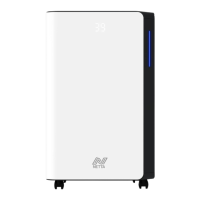
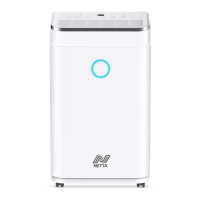
Three-Colours Indicator Light
• If the ambient humidity is below 45%, the light will show blue.
• If the ambient humidity is between 45%-65%, the light will
show green.
• If the ambient humidity is above 65%, the indicator light will
show red.
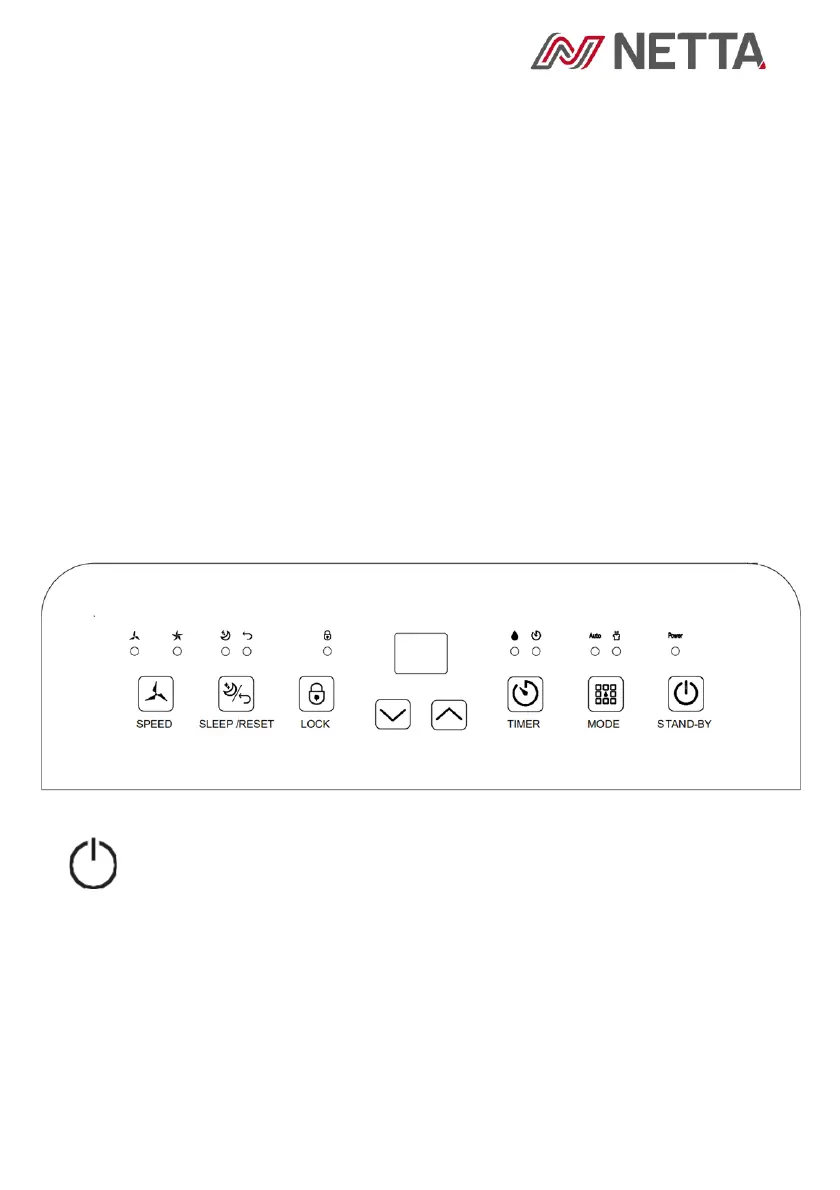
Control Panel
Stand-By Button
Press the ‘Stand-By’ button to turn the machine on. The default
fan speed is high and the default humidity setting is 50%. When
the machine is running, press the ‘Stand-By’ button to turn it off –
the compressor will stop immediately and the fan will shut down
after around 30 seconds.


 To Next Page