Got Questions? Let Us Help! Email
SUPPORT@NEUMITECH.COM
SETUP AND CONNECTIONS
Congratulations on your purchase of the NEUMI ATOM 4K digital media player. We know your time is
valuable, so we have configured this media player with optimized default settings that are suitable for
most users. This manual contains information on how to adjust the settings to customize your user
experience. If you encounter any difficulties or have questions, please email
SUPPORT@NEUMITECH.COM and our friendly support team will help you promptly.
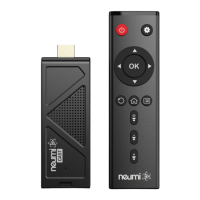
In the package are your new media player, an AC power adapter, a remote control, an AV cable, and this
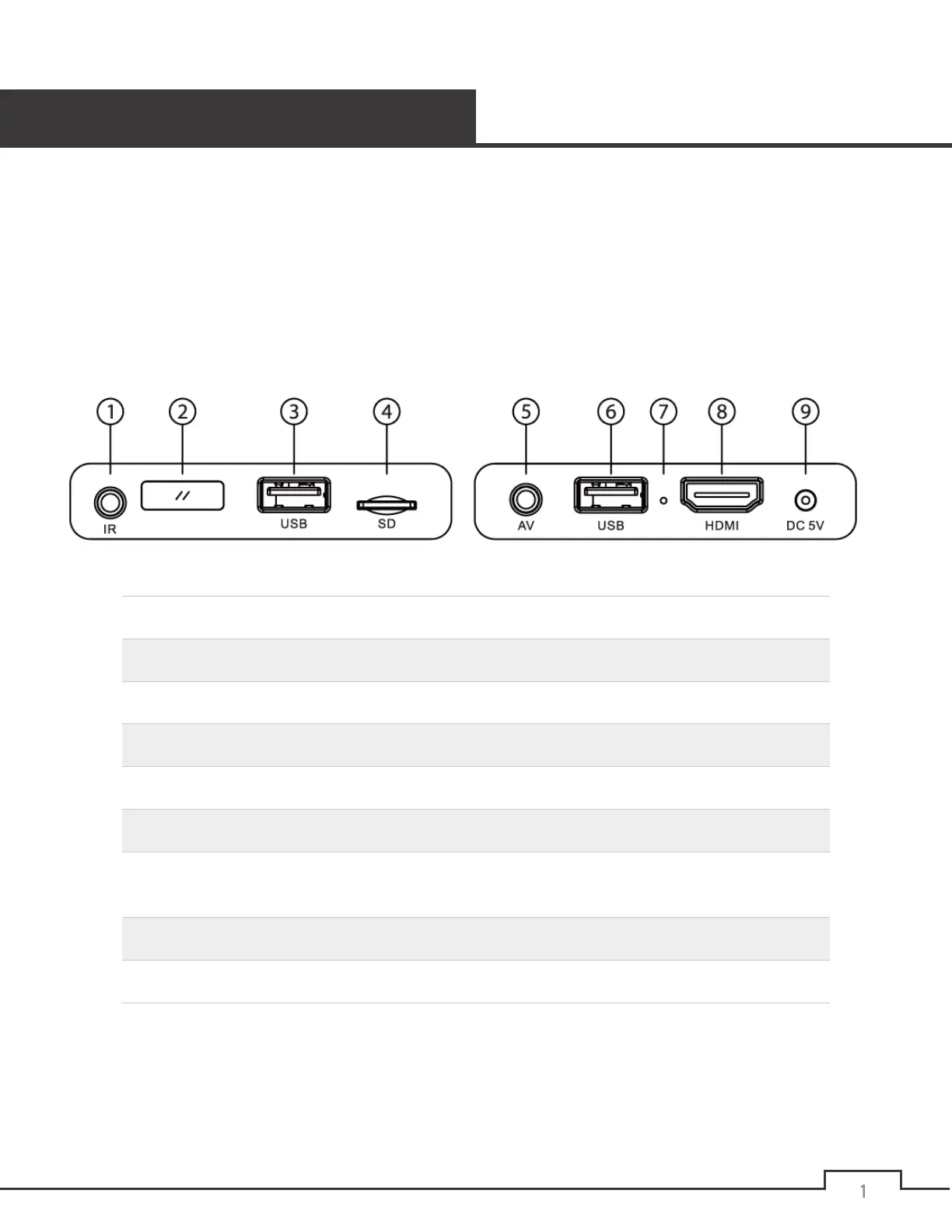
user’s manual. Take a minute to examine the player to become familiar with the available connectors, this
step will save you time later:
1
IR input jack for wired infrared remote sensor
2
Built-in remote control IR sensor window.
3
USB 2.0 connector for USB drives, keyboards, and mouse
4
Memory card reader for microSD cards
5
Analog AV to connect a TV with analog AV input only
6
USB 2.0 connector #1 for USB drives, keyboards, and mouse
7
Pin-hole button for forced firmware update. Please see the firmware update
instructions
8
HDMI to connect to a TV or home theater with HDMI input
9
DC power connector for use with included power adapter
Note: The IR input jack is for use with optional external infrared remote control sensors (not included).
An external remote control sensor allows the player to be hidden while the external remote control
sensor is installed in clear view to receive signals from the remote control.


 To Next Page