2
STARTUP GUIDE
SHOT CLOCK, SEGMENT TIMER, DELAY OF GAME, and PITCH TIME models
Shot Clock (models SCD-5, SCD-7, SCD-T7A, and S60-LED).
Delay of Game (model DGT-5, and DGT-6).
Pitch Time (model 900-9520 and 900-9620)
Segment Timer (model SEG-14 and SEG-18)
Note: It is assumed here that the control has been configured for the correct scoreboard type and the control has been linked to the
desired receiver(s). Both functions are explained in the setup guide that comes with a new control. The control is set to “SCD” models
by default at the factory. Switch it to Delay of Game, Segment Timer, or Pitch Timer series if needed in the field from the OPTION
menu. It is assumed that the receiver is powered ON.
To Start a New Game
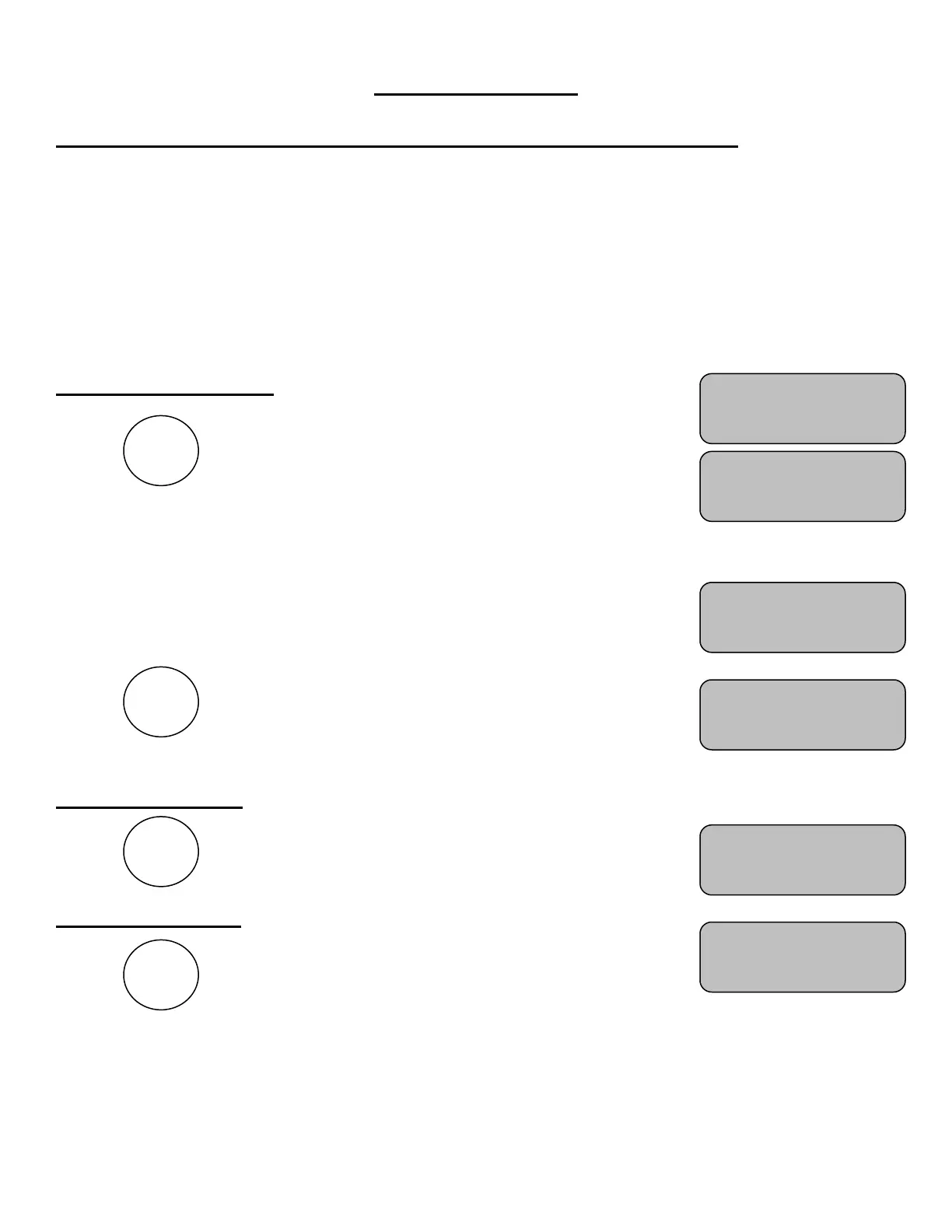
Press
The control will display a greeting while it establishes
communications with its receiver(s). (Up to 20 seconds).
Note: v01.00 for example, indicates the software version of
the control.
Next the display will show the preset time for RESET 1
key, the time status, and the current preset times for
RESET 2 and RESET 3 keys.
Press To set the timer to the value the key is set to.
You are now ready for the game to begin.
To Start the Timer
Press
The control will display
To Stop the Timer
Press
The control will display
Please consult the following sections of this manual for more details, functions, and features
R1: 15 Time:OFF
R2: 30 R3: 35
R1: 15 Time:OFF
R2: 30 R3: 35
R1: 15 Time:OFF
R2: 30 R3: 35
R1: 15 Time:ON
R2: 30 R3: 35


 To Next Page