4
MAIN screen
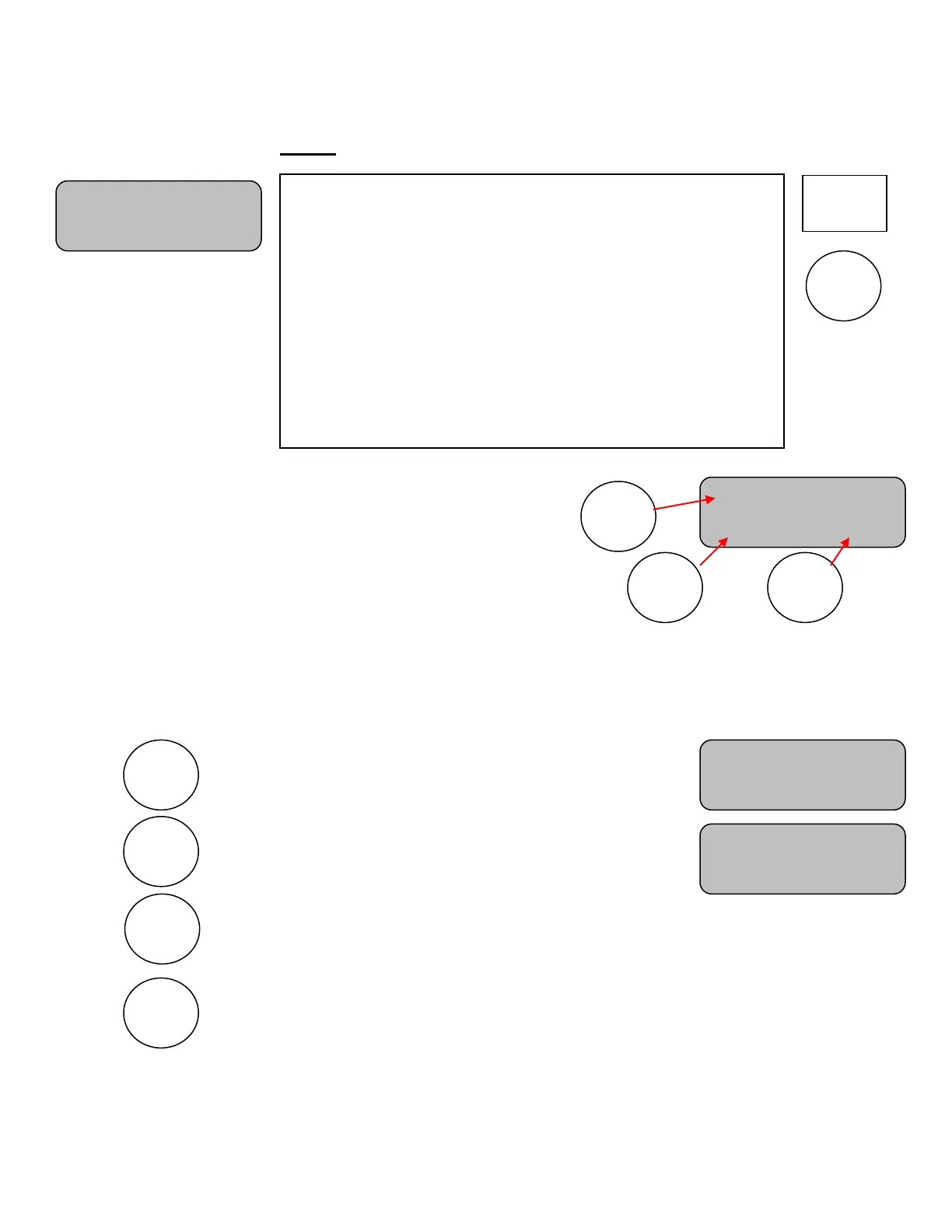
Press RESET 1, 2, or 3 at any time to immediately reset the
timer to its preset value.
Note: Time set to ON: If the current counting time has not expired and another time is selected using RESET (1-3),
the new time value will be loaded and will begin counting immediately with no further action needed.
Note: If the current loaded time has expired or the timer is stopped and RESET (1-3) is pressed, the new time value
will be loaded immediately, however it will not begin counting until the TIME ON key is pressed.
Turns the time ON.
Turns the time OFF.
Sounds the horn. (Approximately 2 seconds)
Note: Does not change the control display.
Note: Hold key down to extend duration.
Clears (Blanks) the timer displays.
R1: 15 Time:OFF
R2: 30 R3: 35
MAIN
The main screen shows the reset time for the Reset 1 key, the
Timer Status, and the reset time for the Reset 2 and Reset 3
keys. Press any one of these Reset keys to immediately load its
value into the timer. The reset values for these three keys can be
changed by using the SET TIME screen.
Note: The control stores three times for SCD mode and three times for DGT mode.
A CLEAR DISPLAY key is available for blanking the timers
during the last few seconds of main time when they are no
longer needed.
You should keep this screen displayed during the game.
R1: 15 Time:OFF
R2: 30 R3: 35
R1: 15 Time:ON
R2: 30 R3: 35
R1: 15 Time:OFF
R2: 30 R3: 35


 To Next Page