www.newrocktech.com
5-47
Enter the IP address or domain name of the mail server. The device supports Sina
mailbox and Sohu mailbox.
Enter the mailbox address of the sender.
Enter the mailbox password of the sender.
Step 2 Click Save.
Step 3 Go to Extension > Analog/IP > Setting, and configure Email. The mailbox will serve as the
mailbox for receiving voicemail messages.
Step 4 Click Save.
Managing voicemail message
Listen to the
voicemail message
Analog phone: Press *98 and listen to the voicemail messages. You may
hear:
“You have no voicemail messages”.
“You have n new/saved voicemail messages“
After the voicemail message is played, you may hear:
“To repeat the message, press one. To delete, press two. To listen to the next
message, press three”.
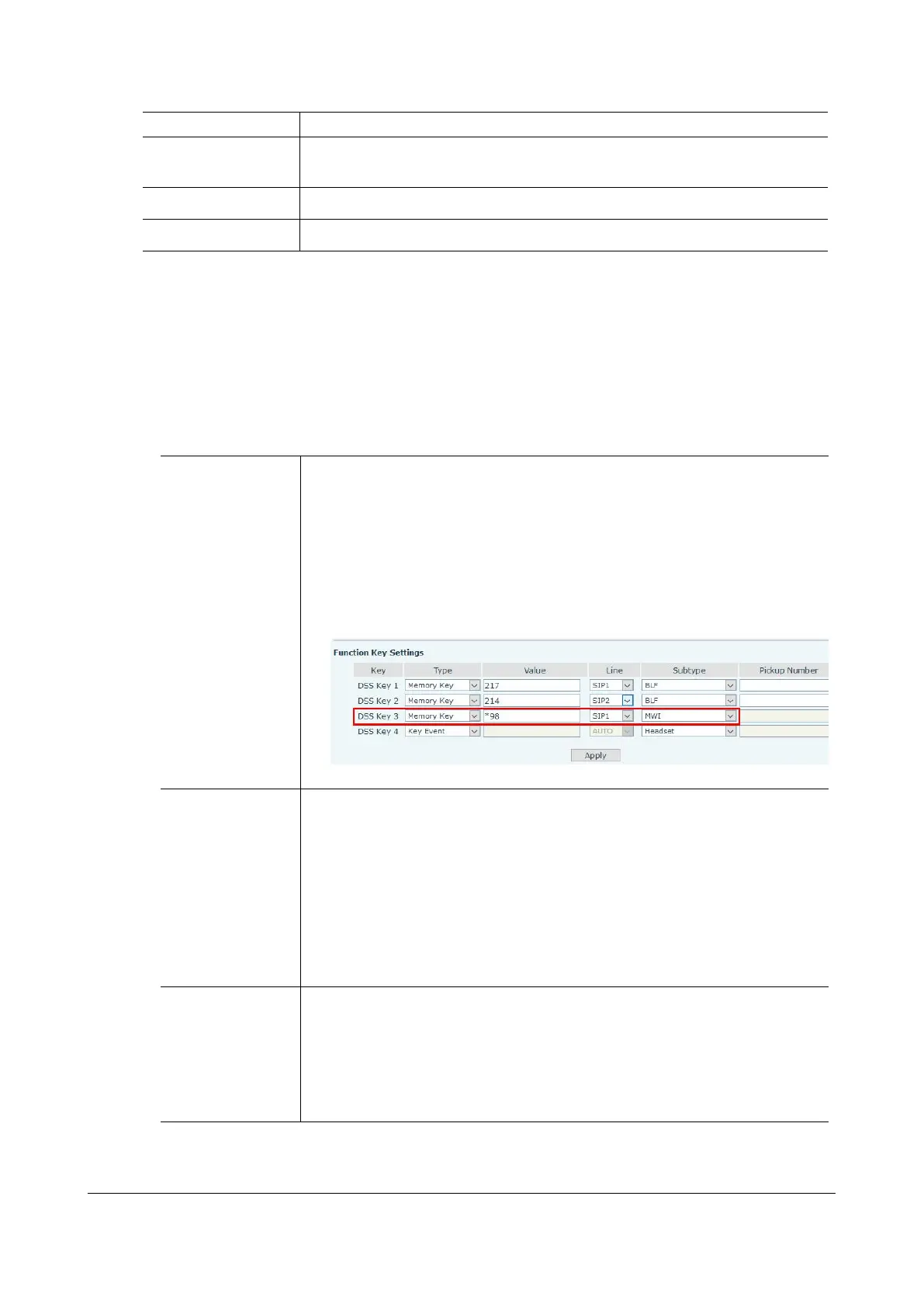
IP phone: Configure the feature access code for listening to the voice
messages by MWI function key and memory key on IP phone.
Listen from outside: you need to pre-configure to allow to use DISA
The name of a voicemail message file is in this format: vm_Called party-Calling
party-Random code.pcm. For example: vm_200-6033432345-946685192.pcm. If
the user presses Replay or Next when listening to a voicemail message or the
voicemail message is played, the message will be identified with the file name
become oldvm_200-6033432345-946685192.pcm.
Note: The filename extensions are varied depending on the codec of the
voicemail message:
G.711μ: The file extension is .pcm.
G.711a: The file extension is .pcma.
G.729: The file extension is .dat.
View the
voicemail message
Go to Application > Storage to get the access path and view the voicemail
message files in the browser. Click builtin to view the files recorded through
internal USB flash drive, and usb to view the files recorded through external
USB device. The typical example of the storage path is: Recorder/voicemail.
If recorded files are stored in an external USB device, you can remove the
USB device from the OM and connect it to your PC, then view the recorded
files. The typical example of the storage path is: G:\Recorder\ voicemail.


 To Next Page