INSTALLATIEHANDLEIDING – P28 VERSION 0129NM02INT01 INSTRUCTION MANUAL – P28 | P28 0520NM19INT03
EN
NL
DEFR NO SE DK
The Home Basic | Renault Edition can be congured
locally using the Installer Wizard.
Two tools are required for local conguration:
1. Ethernet UTP cable
2. Laptop with RJ45 port
Make sure both the charge point and laptop are powered
for at least 5 minutes.
Install the conguration software. The installed program
will be refered to as Installation Wizard.
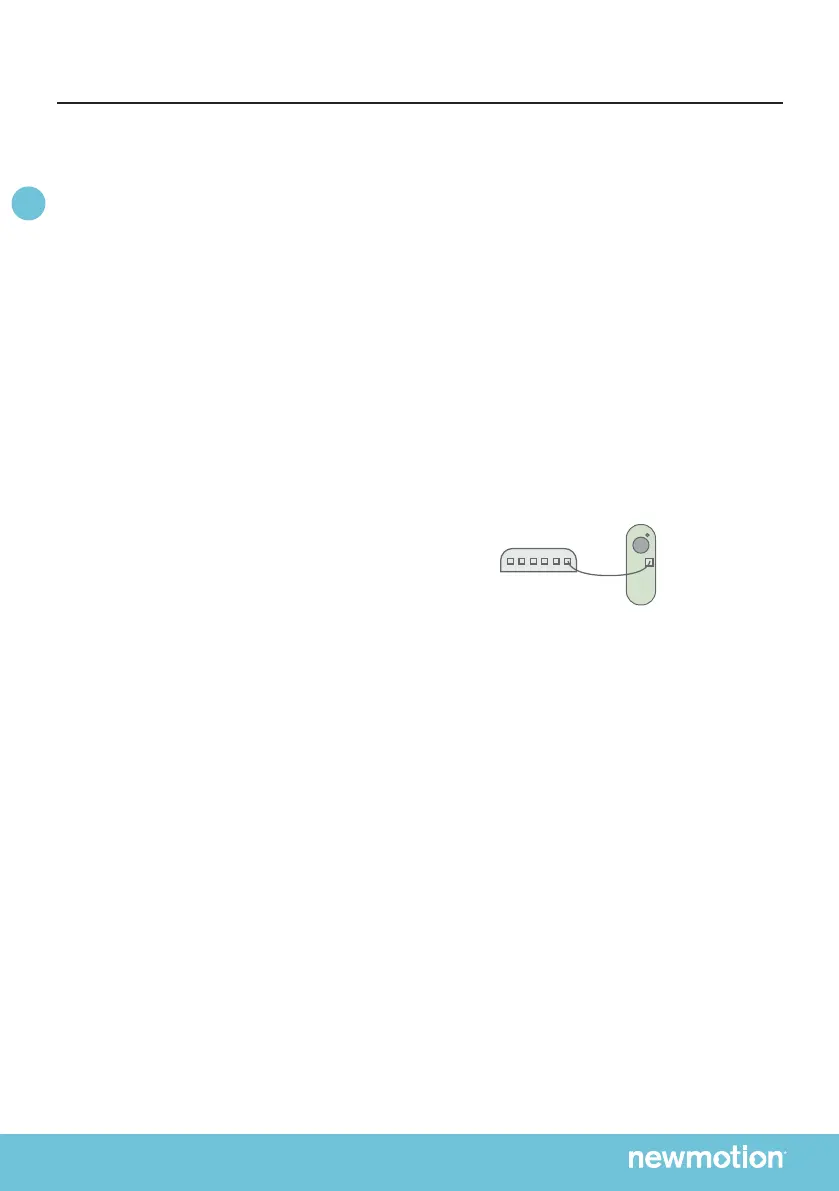
- Connect the laptop to the Charge Point using a standard
- UTP cable to the ethernet port
- Start the Installation Wizard
- Fill in the information requested in the tool
Press to nd charger in the local network and select the
charge point which needs conguration. Always select &
perform rmware update when available.
6.1 POWER SETTING
Select the maximum allowed current for the installed
circuit. Take the MCB, RCD, grid connection and local
regulations into account.
6.2 LOAD SHEDDING SETTING
Enable Load Shedding if the CT for 7,4 kW charge
point or Load Shedding module for 11 kW charge point is
installed. When Load Shedding is enabled, ll in the
maximum current.
6.3 ON/OFF PEAK SETTING
Enable ON/OFF Peak if the smart meter is capable of
providing ON/OFF Peak output and is connected to the
charge point.
6. LOCAL CONFIGURATION
Laptop can be
connected via
router too
6.4 TESTING
When Load Shedding data is received, a green light
shows in the wizard. Check if received data is correct.
Final test is the simulation for a welded relais. Press:
“Activate Shunt”. If the Charge Point is powered o by
pressing this button, the shunt is correctly installed.
Ensure that you nalize the SAT and save the
documentation for securing warranty.
Share the saved le with the customer.



 To Next Page