Newpoint Technologies, Inc. COMP-USER-006
Salem, NH 03079 Rev. 3.2 –01/31/01
14
Important Notes
There is very little reason to upgrade a driver that is working
properly in your system. If you do upgrade a working driver,
be prepared to re-apply any customization you added to the
previous point file and supporting screens.
You will not be able to connect to a Compass node that is
using an older version of Compass than is installed at the
local node. The reverse, however, is possible; older nodes can
connect to nodes using newer Compass software.
Using Draw Models from Previous Versions
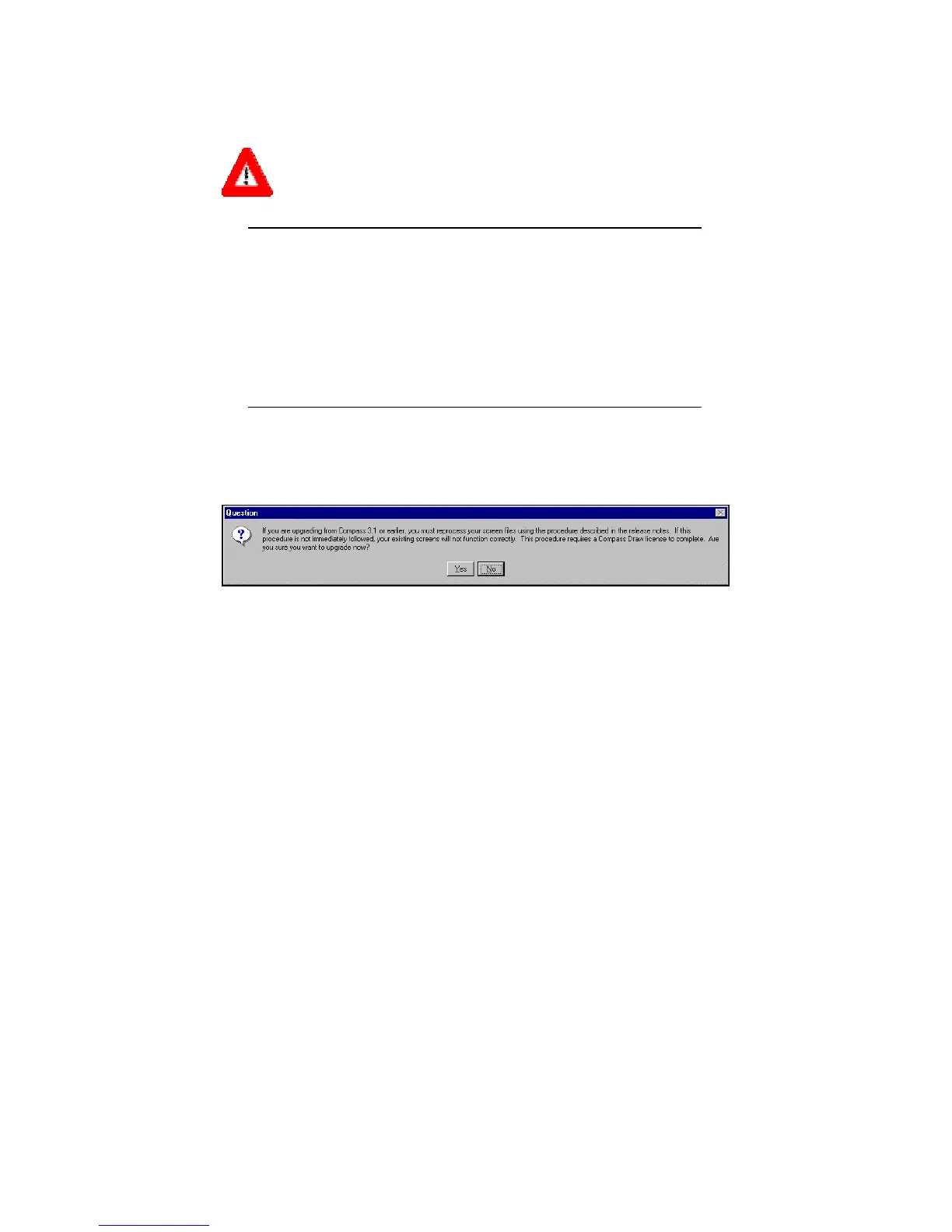
Figure 4 Upgrade Warning
Because Compass version 4 is supported by a newer version of SL
Draw, you will need to process your existing system screens created
in earlier Compass versions. The Compass distribution includes a
new utility, scrpatch.exe, to assist you. This utility is stored in
the Compass directory, and can be executed from a command prompt
(see syntax below).



 To Next Page