Newpoint Technologies, Inc. COMP-USER-006
Salem, NH 03079 Rev. 3.2 –01/31/01
42
Installing Library Drivers
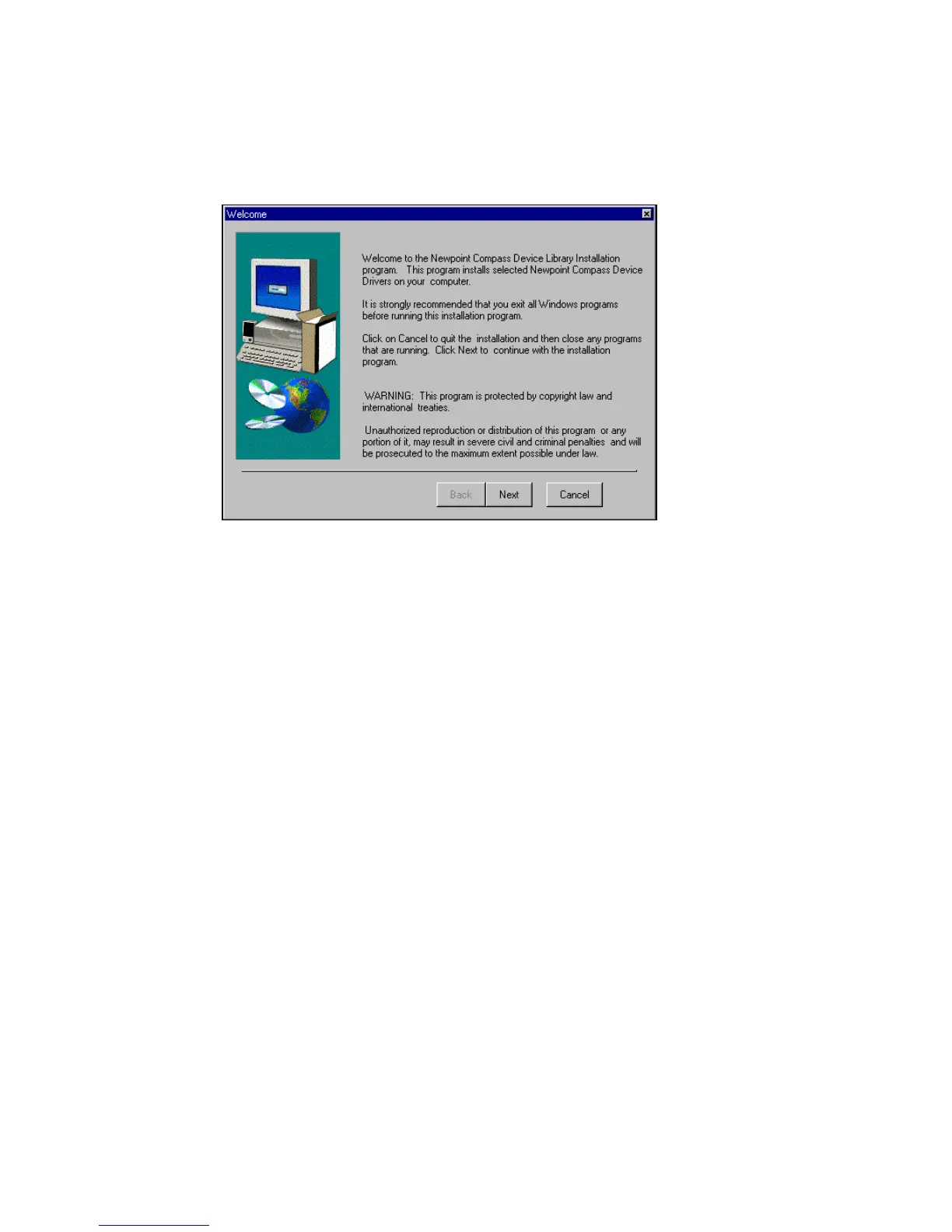
Figure 26 Device Library Installation Welcome Screen
To install drivers from the Device Library, click on the Start button
on the Windows NT desktop. Select Programs / Newpoint Compass
/ Driver Installation.
(Or, you can double click on the GDRVINST.BAT file in the
\COMPASS\bin directory.)
Click on Next to continue.



 To Next Page