Newpoint Technologies, Inc. COMP-USER-006
Salem, NH 03079 Rev. 3.2 –01/31/01
43
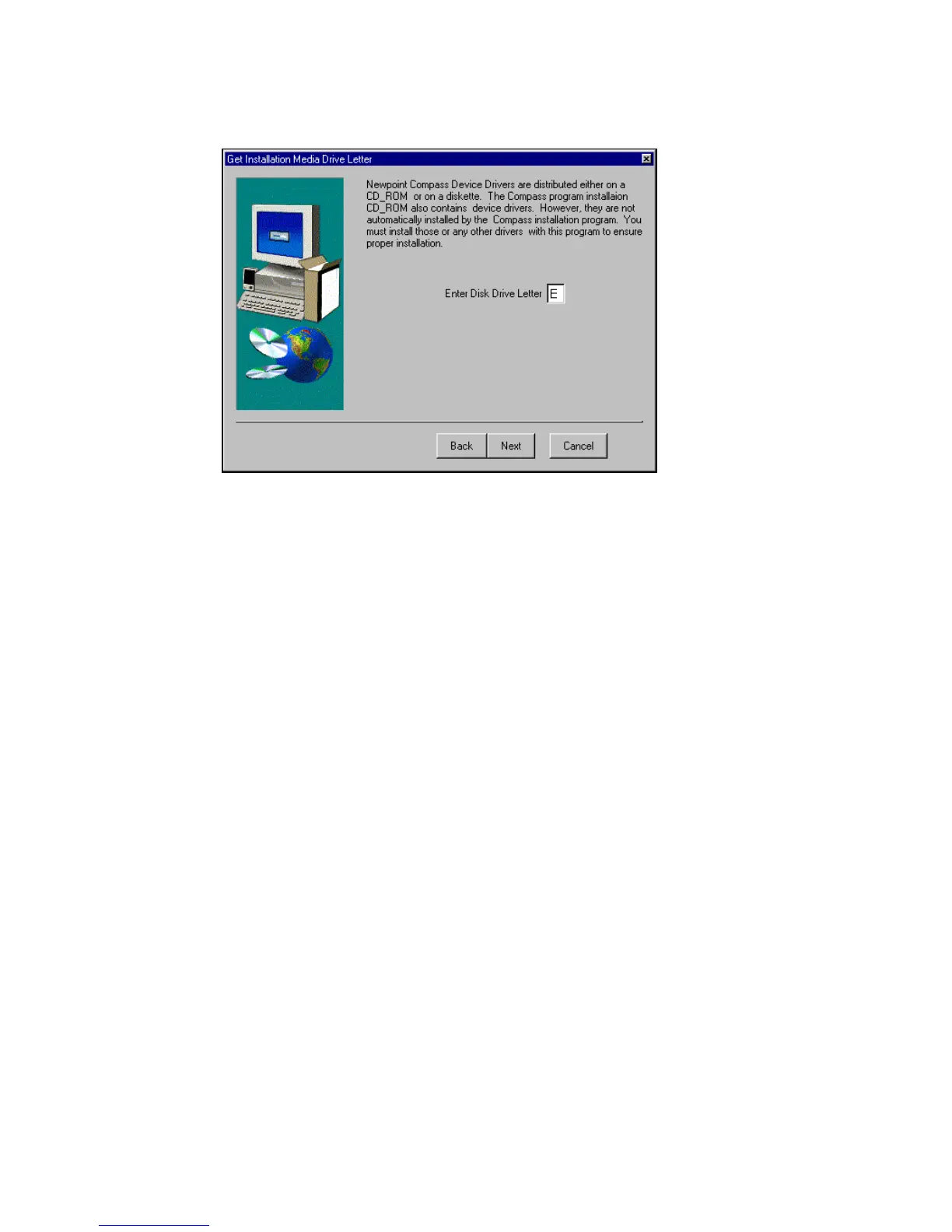
Figure 27 Identify Install Source
In some cases, you may want to install device drivers from a
directory created on your hard drive, a virtual drive, or on a network
drive.
To access those drivers, they must be stored in \COMPASS\drv on
the drive, or the installation utility will not be able to detect the files.
Enter the drive letter (no colon required) for the disk drive or CD-
ROM drive that contains the Device Library distribution.
Click on Next to continue.



 To Next Page