Newpoint Technologies, Inc. COMP-USER-006
Salem, NH 03079 Rev. 3.2 –01/31/01
69
Windows Navigation Conventions
Windowing and Window Elements
A window is a framed rectangular area of the screen. Some windows,
such as the system overview window, occupy the entire screen, while
others are smaller, and appear on top of larger windows.
Title Bar
The title bar is a strip across the top of the window, and contains the
window name. To drag (move) the window, click on the title bar and
move the mouse while you hold the left button down.
Buttons
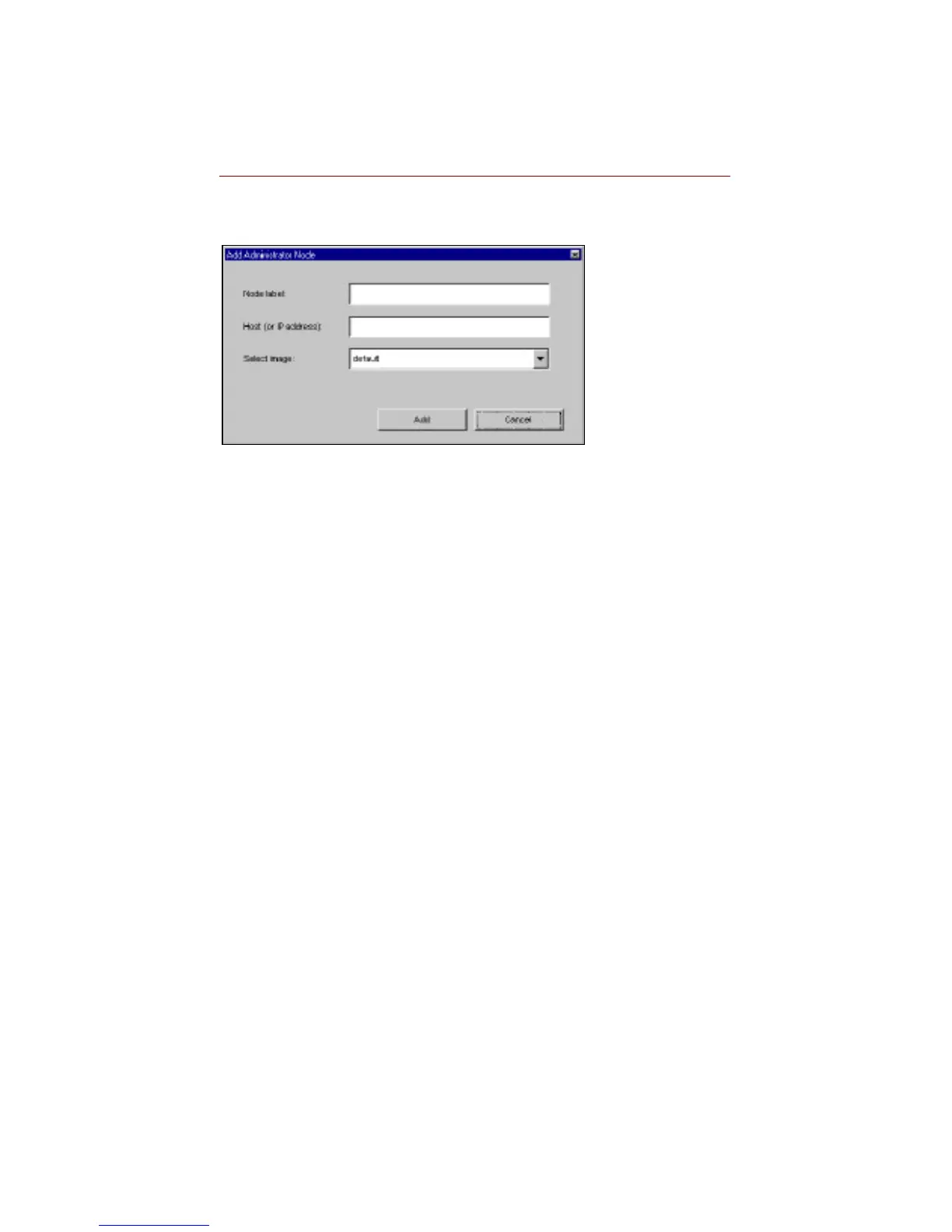
Buttons perform functions. On screen, a button appears 3-
dimensional, as if it is sticking out of the screen. The label next to or
on a button identifies its function. (In the figure above, there are two
buttons, labeled Add and Cancel.) To execute a button function,
click on the button. There are two types of buttons, depending on the
function they perform.
Display buttons open or close windows, or move you to another
display. Many windows display a Close button that closes the
current window and returns you to the previous window. Most
windows also display a button to return to the top level of the system
hierarchy.



 To Next Page