Newpoint Technologies, Inc. COMP-USER-006
Salem, NH 03079 Rev. 3.2 –01/31/01
24
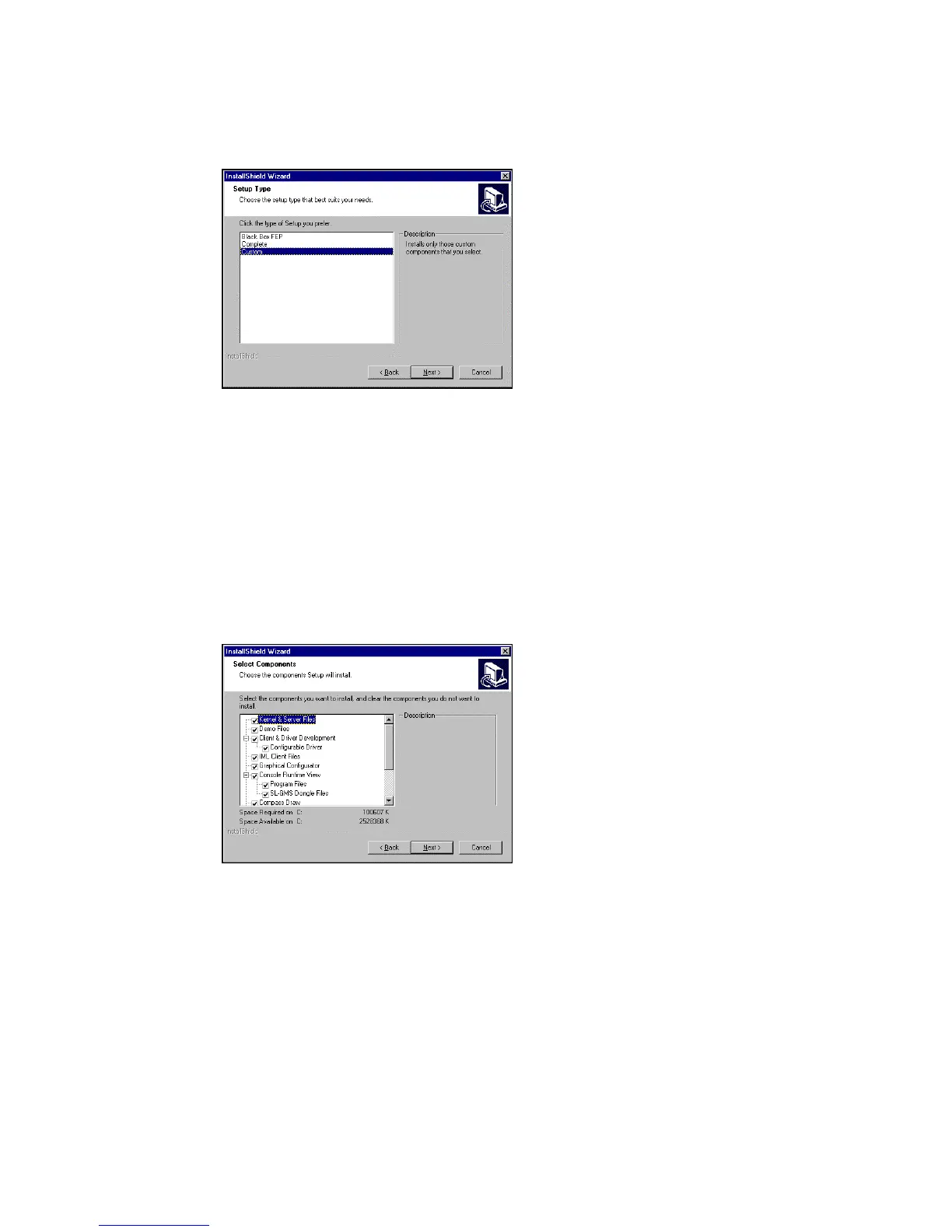
Figure 9 Select Installation Type
Complete: Select the default to install all program files – for a typical
configuration.
Custom: Select this option to review individual program components
to install. See below for details.
Click on Next to continue.
Figure 10 Select Components to Install
To select or deselect a component, click on the checkboxes to the left
of the component list. Click on Next to continue.
On the Select Type window,
choose an installation method:
Black Box FEP: Select this
option to install non-graphical
components of the program to
the local node. This option does
not install any application that
requires a monitor and keyboard
to operate.
If you select the Custom
installation option, this
window presents all available
components.



 To Next Page