Newpoint Technologies, Inc. COMP-USER-006
Salem, NH 03079 Rev. 3.2 –01/31/01
34
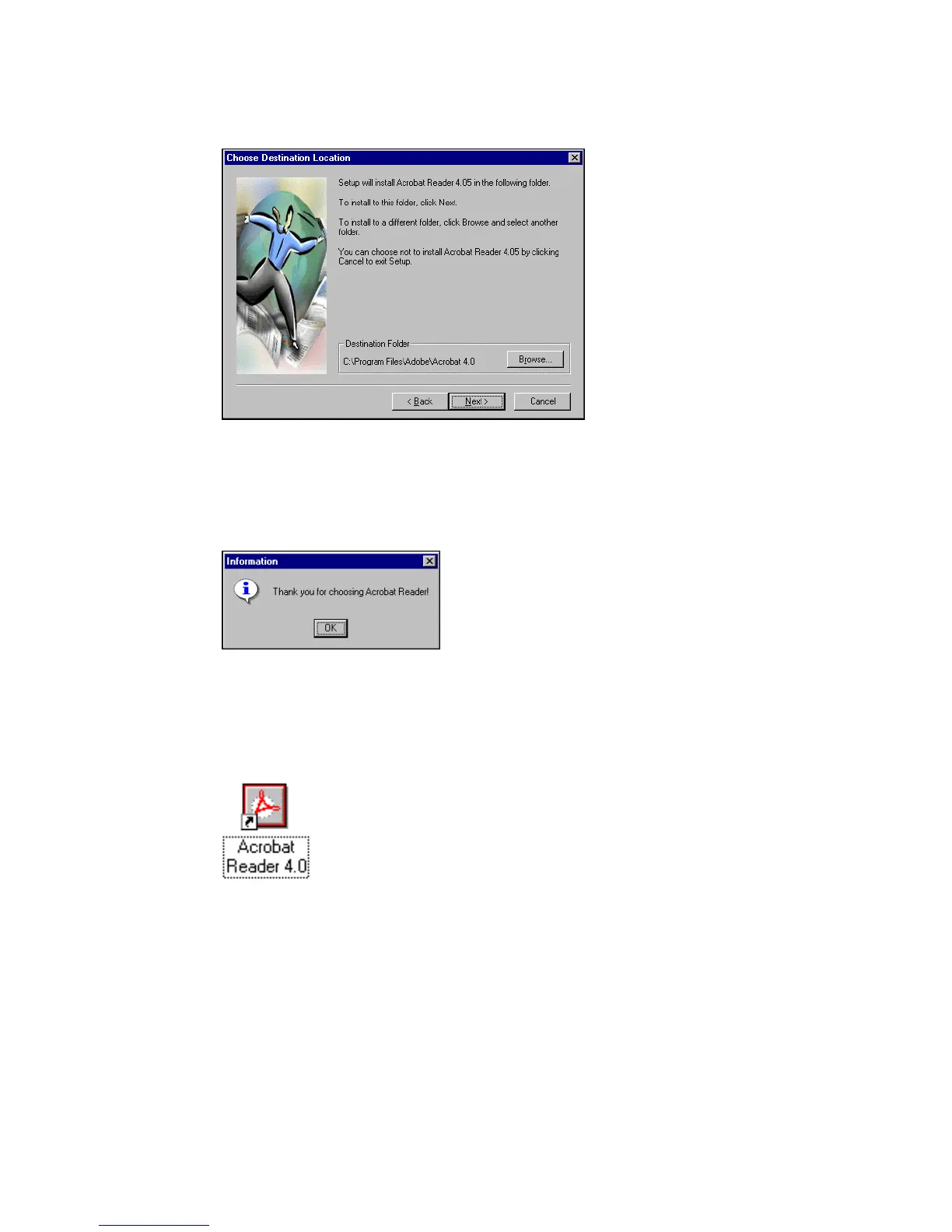
Figure 21 Select Installation Location
Click on Next to accept the suggested installation location for the
Adobe Acrobat files, or click on Browse to select an alternate
location.
Figure 22 Installation Confirmation
If the installation is successful, a pop-up information window
appears; click on OK to exit the Acrobat installation program.
The installation places an icon on your
Windows Desktop to access Adobe Acrobat.



 To Next Page