SECTION 3. GETTING STARTED
CAUTION: The meter has no power-on switch, so it will be in
operation as soon you apply power.
If you power off/on the meter momentarily shows the following: “idP” for
model type, “codE” , and “rxx” for the micro controller revision code.
Keep track of revision code for future reference.
3.1 CHANGING CONFIGURATION JUMPERS
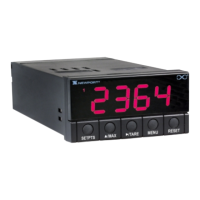
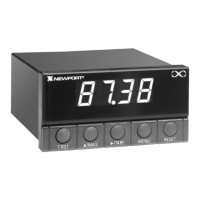
The S1, S2 and S3 DIP switches are at the front of the meter near the digital
display. The S4 DIP switch is on side of the main board (refer to
Figure 3–3). Remove the lens cover to access these jumpers.
Table 3-1. S1 - S4 DIP Switches (Defaults in bold and italics)
Jumper Description
S1 Installed: 10 volt excitation
Removed: 24 volt excitation
S2 Installed: Front-panel buttons locked out
Removed: All buttons operable
S3 Installed: PEAK shows when £/MAX button is pushed
Removed: VALLEY shows when £/MAX button is
pushed
S4 Installed: Calibration enabled
Removed: Calibration disabled
7


 To Next Page