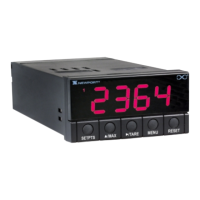
SECTION 4. CONFIGURING THE METER
4.1 SELECTING THE INPUT RANGE (INPT)
Refer to Table B-2 for a summary list of menu configuration.
To select your appropriate input range, follow these steps:
1. Press the MENU button. The meter flashes “InP”.
2. Press the ¢/TARE button. The meter flashes one of the following:
* 0 - 10 (for 0-10 volt)
* 4 - 20 (for 4-20 mA)
* 20 - 4 (for 20-4 mA)
* 0 - 5 (for 0-5 volt)
* 1 - 5 (for 1-5 volt)
3. Press the ¢/TARE button to scroll through available choices.
4. Press the MENU button to store your choice. The meter momentarily
shows “StOr”, followed by “dEc.P” (Decimal point).
13


 To Next Page