SECTION 2. ABOUT THE METER
2.1 FRONT OF THE METER
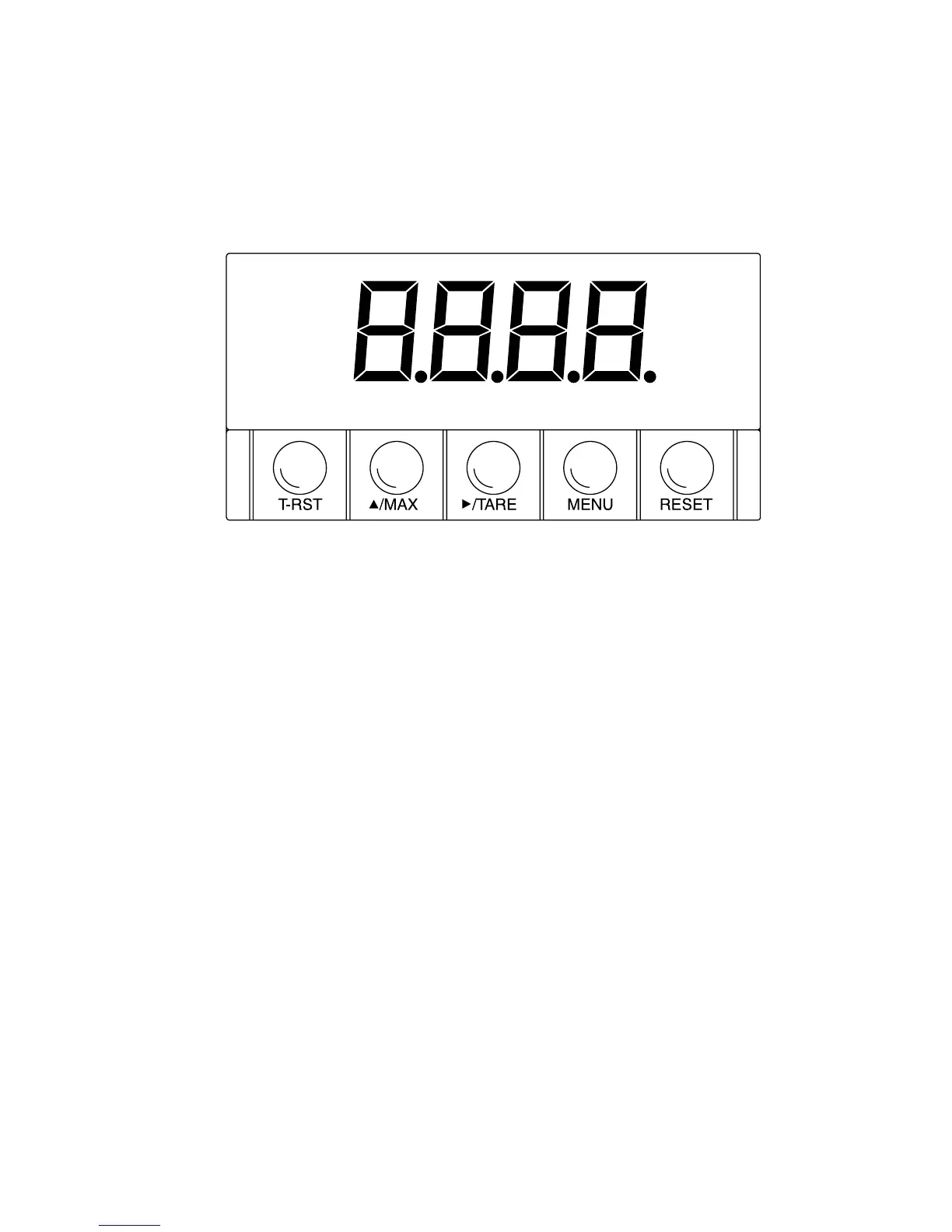
Figure 2-1 shows each part of the front of the meter.
Figure 2-1. Front Panel
METER DISPLAY:
Digital LED display: ¡.9.9.9. or 9.9.9.9. 4-digit 7–segment, 0.56" high LED
display with programmable decimal point.
METER MODES:
Run Mode The meter is in the run mode when the display is actively
showing a process.
Configuration Mode The meter is in the configuration mode when you press the
MENU button to enable meter configurations.
3


 To Next Page