SYSTEMSETUP
SCREENSAVER
TVTYPE
PASSWORD
RATING
DEFAULT
EXITSETUP
OFF
TVSYSTEM
TVTYPE
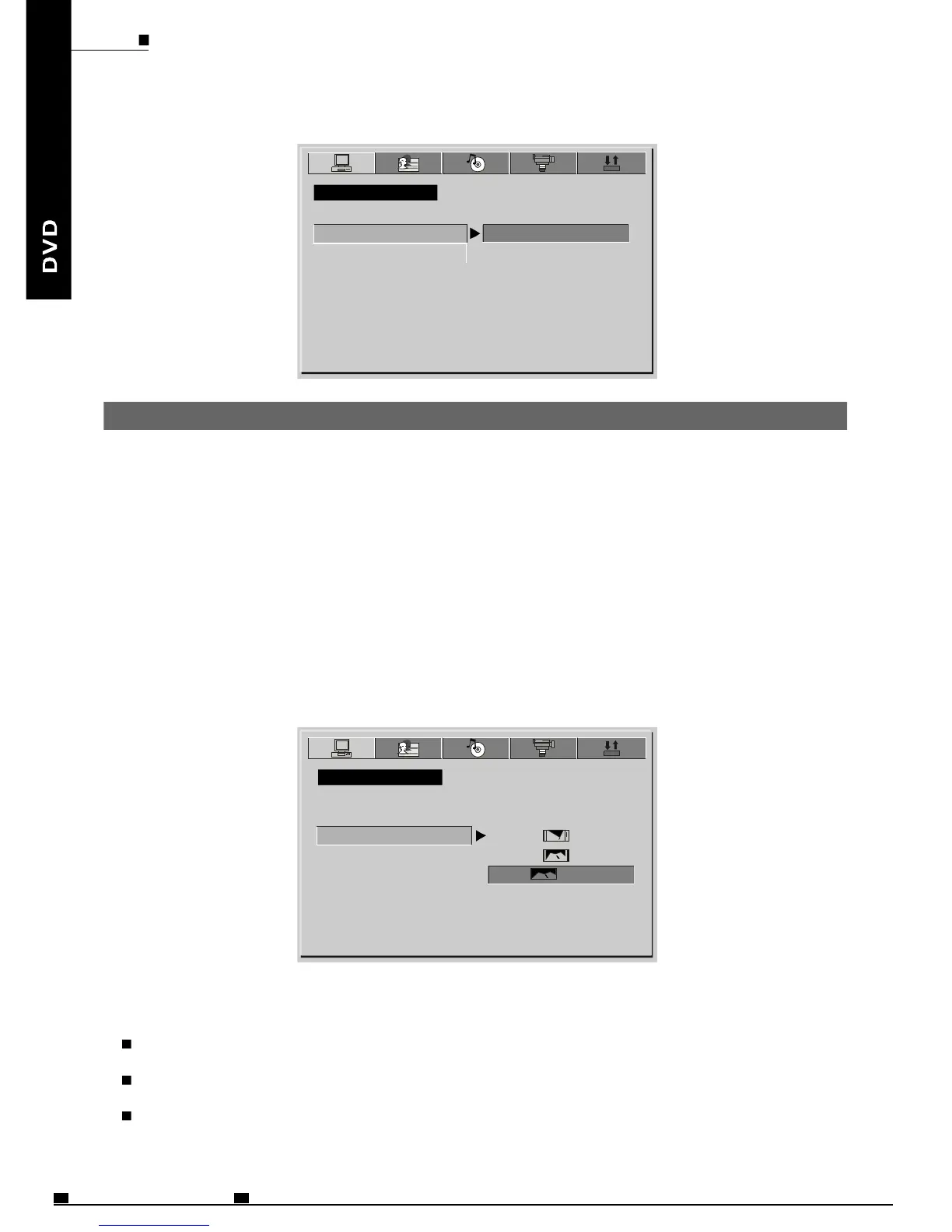
16:9(WideScreen):ChoosethissettingifyourDVDplayerisconnectedtoa
widescreenTV.Ifyouchoosethissettingandyoudon'thaveawidescreenTV,
theimagesonthescreenmayappeardistortedduetoverticalcompression.
4:3LB(LetterBox):ChoosethissettingifyourDVDplayerisconnectedtoa
normalratioTV.You'llseethemovieintheiroriginalaspectratio
(Height-to-widthratio).You'llseetheentireframeofthemovie.Themovie
mightappearwithblackbarsatthetopandbottomofthescreen.
4:3PS(Pan&Scan):ChoosethissettingifyourDVDplayerisconnectedtoa
normalratioTV.YoucanfillthemovietotheentirescreenofyourTV.Thismight
meanthatpartsofthepicture(Theleftandrightedges)won'tbeseen.
SYSTEMSETUP
SCREENSAVER
TVTYPE
PASSWORD
RATING
DEFAULT
EXITSETUP
4:3PS
4:3LB
NOTES:
Theimagedisplayratioisrelatedtotherecordeddiscformat.Somediscscannotbe
displayedintheaspectratiochoosen.
Ifyouplayadiscrecordedin4:3formatonawidescreenTV,blackbarswillappear
ontheleftandrightsideofthescreen.
YoumustadjustthescreensettingdependingonthetypeoftheTV.
SYSTEMSETUP
ON
16:9
SYSTEMSETUP
TVSYSTEM
ENG41
MOBILEENTERTAINMENT
PDF 文件使用 "pdfFactory Pro" 试用版本创建 www.fineprint.cn



 To Next Page