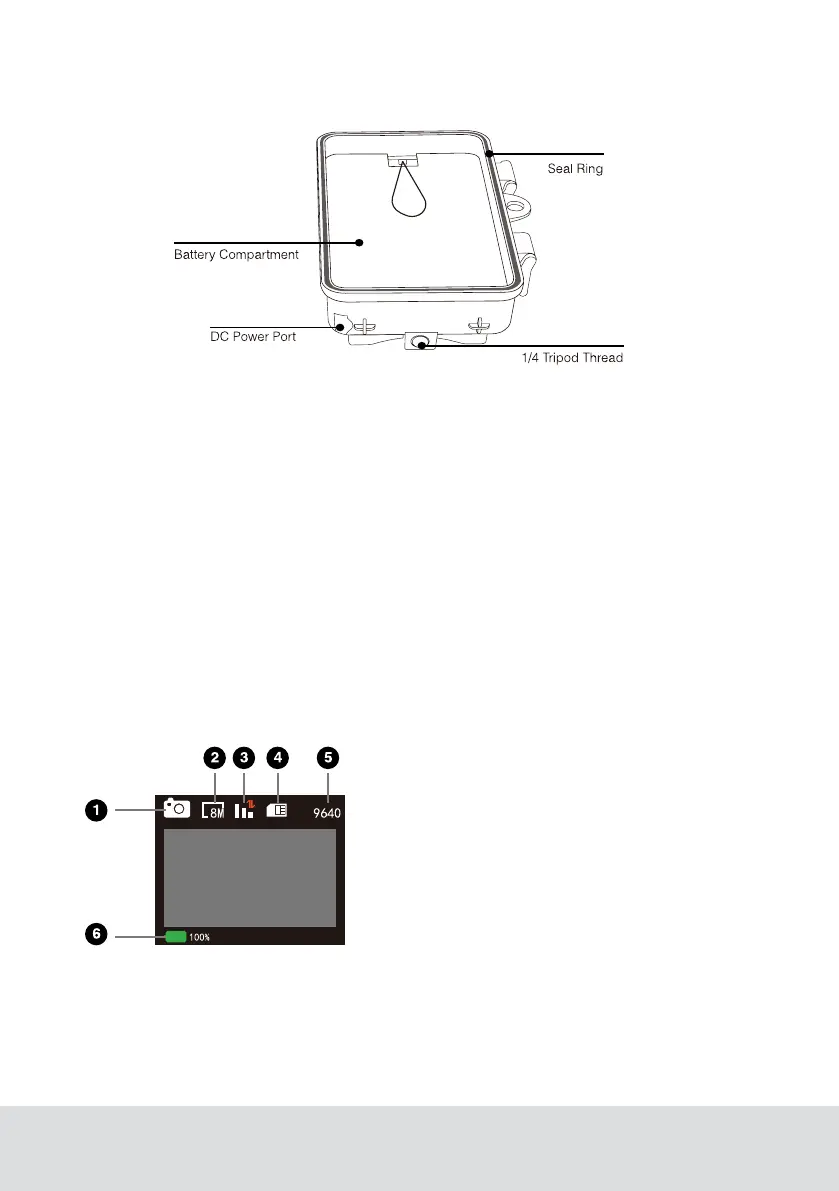
5
• The monitor is only switched on in the SETUP mode for changing menu settings
or viewing existing photos.
• A TF memory card must have been inserted into the memory card slot in order to
save photos.
• Using the mini USB connection (USB 2.0), the camera can be connected to a
computer.
• Using the mode switch the three operating modes OFF, SETUP and ON can be
selected.
1. Current Mode
2. Current Image Resolution
3. Camera Singal
4. SIM Card Status
5. Image Capacity left
6. Battery life
Viewscreen Indicators


 To Next Page