DOC-1017 Rev. A1 Page | 12
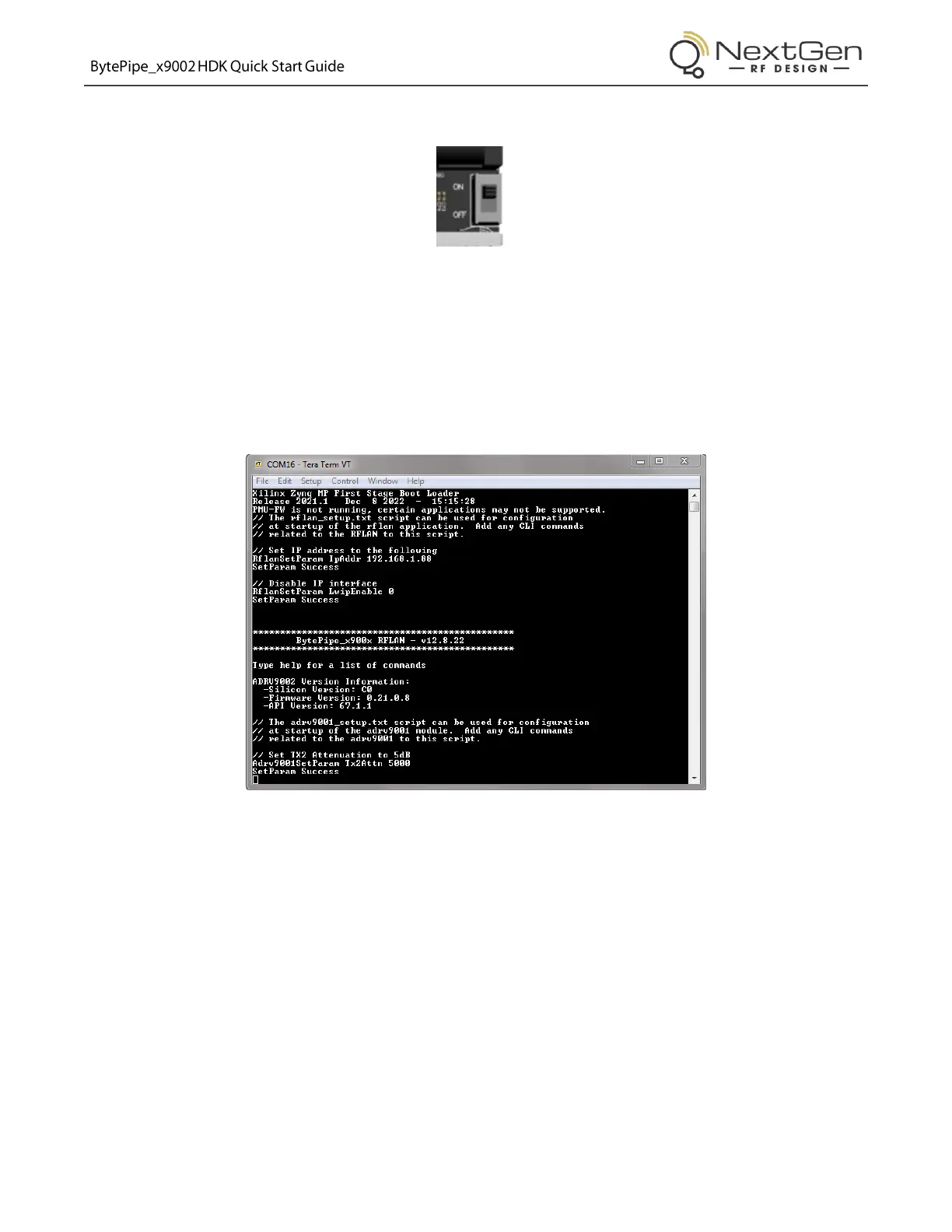
7. Flip the HDK power switch to the “ON” position.
Figure 15: Power Switch – ON
8. On the PC or laptop, open a serial terminal such as TeraTerm, select serial connection to the
enumerated COM port, and set the baud to 115200.
Note: The COM port will only enumerate while the HDK is powered. Once powered down, the serial
port will be disconnected.
Figure 16: Serial Command Line Interface (CLI)


 To Next Page