X-COM
18
5. The GPS confirms that pairing has completed and the X-COM
is ready to use. You will hear the voice prompt, “Your headset
is paired”.
6. If the pairing process is not completed within three minutes, the
X-COM will return to stand-by mode.
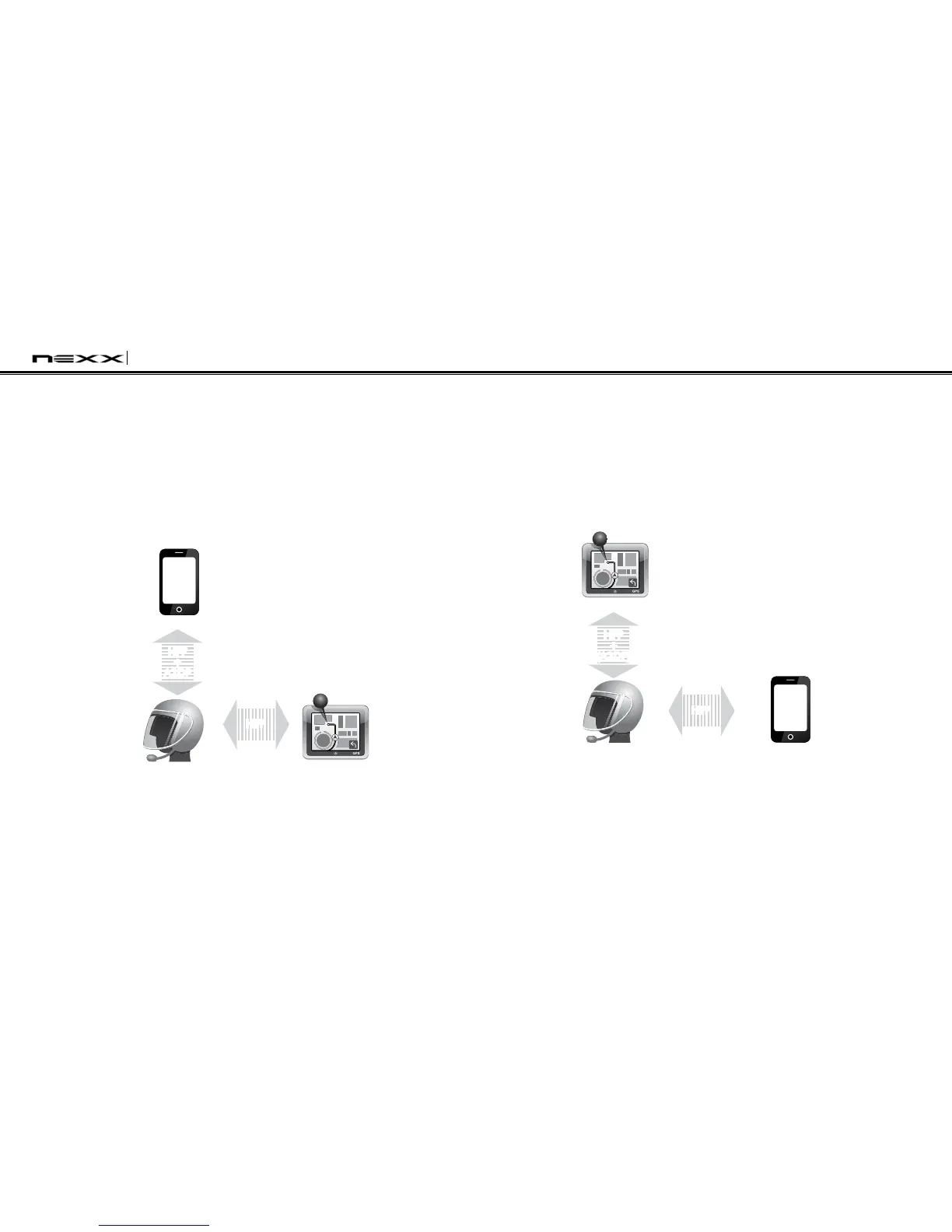
The pairing diagram for multipoint GPS pairing is shown in the
figure below.
Multipoint GPS Pairing
Smart Phone
X-COM
GPS
HFP
+
A2DP
Mobile Phone
Pairing
Multipoint
Pairing
HFP
7.4.2 GPS Pairing as Mobile Phone
If GPS is not only used for turn-by-turn voice instructions but is
also your preferred Bluetooth stereo music source, you can pair
the GPS to the X-COM by following the simple procedures in “7.1
Mobile Phone Pairing”. When you do this, the X-COM thinks the
GPS is a mobile phone. But X-COM can directly pair an additional
mobile phone.
Mobile Phone
X-COM
GPS
HFP
+
(A2DP)
Mobile Phone
Pairing
Multipoint
Pairing
HFP
GPS Pairing as Mobile Phone


 To Next Page