X-COM
20
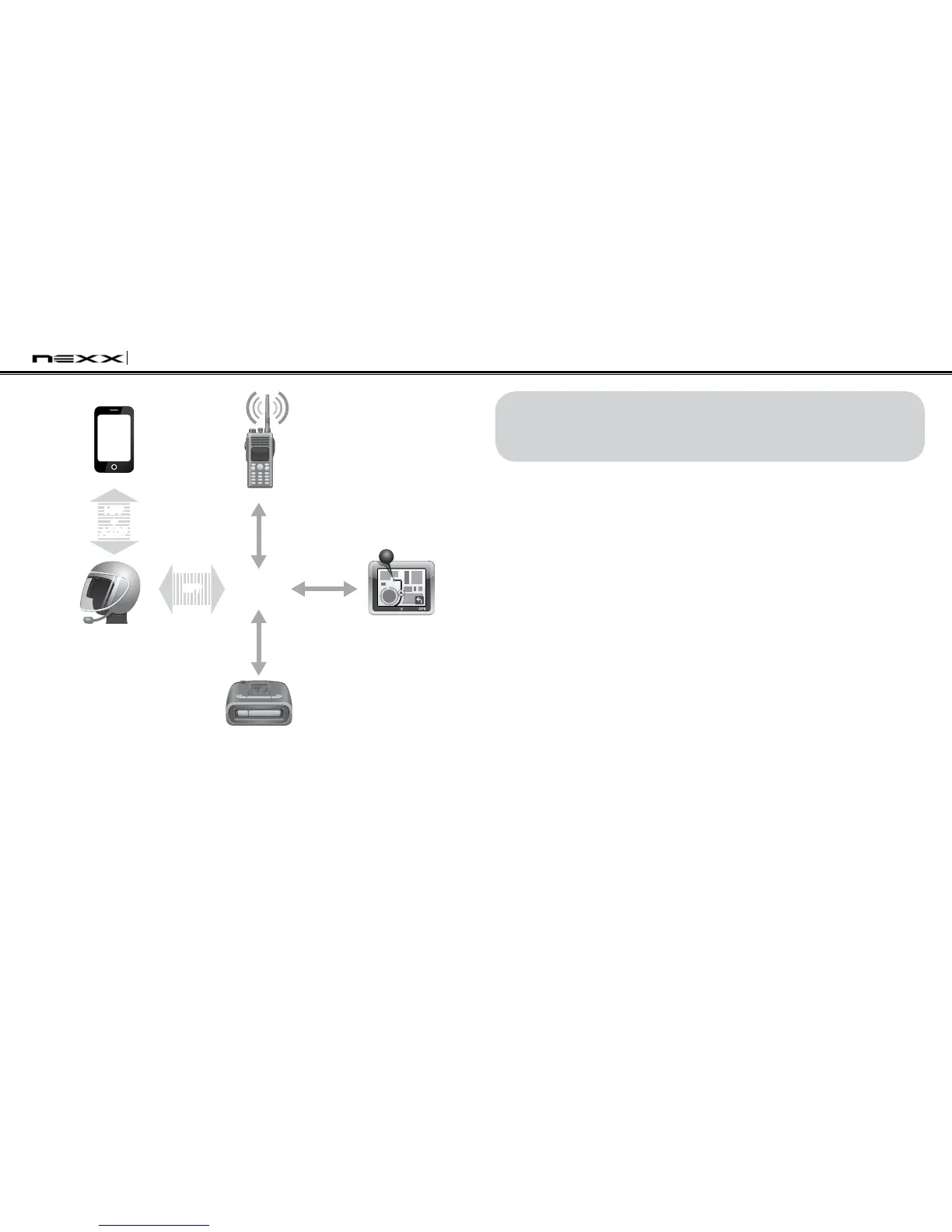
Parallel Connection of SR10 and Mobile Phone by
Bluetooth Multipoint Pairing
Smart Phone
Two-way Radio
X-COM
GPS
Sena SR10
Radar Detector
HFP
+
A2DP
Mobile Phone
Pairing
Multipoint
Pairing
HFP
Wired
Connection
Wired
Connection
Wired
Connection
8. PAIRING WITH SELECTIVE PROFILE:
HFP OR A2DP STEREO
If you have a MP3 stereo music phone such as a smartphone,
sometimes you may need to selectively use the X-COM for
A2DP stereo music only or for mobile phone handsfree only. This
instruction is for advanced users who want to pair the X-COM to
their smartphones with only one selective profile: A2DP stereo for
music or HFP for phone call.
If you have previously paired a mobile phone to the X-COM, you
must clear the previous pairing list on both devices; the mobile
phone and X-COM. To clear the pairing list on X-COM, please do a
factory reset or follow the pairing list clearing procedure described
in this manual. To clear the pairing list on the mobile phone, please
refer to the mobile phone manual. For most smartphones, delete
the NEXX X-COM from the list of Bluetooth devices in the setting
menu.


 To Next Page