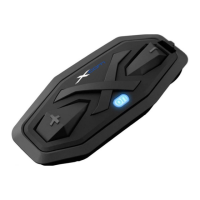
X-COM
6
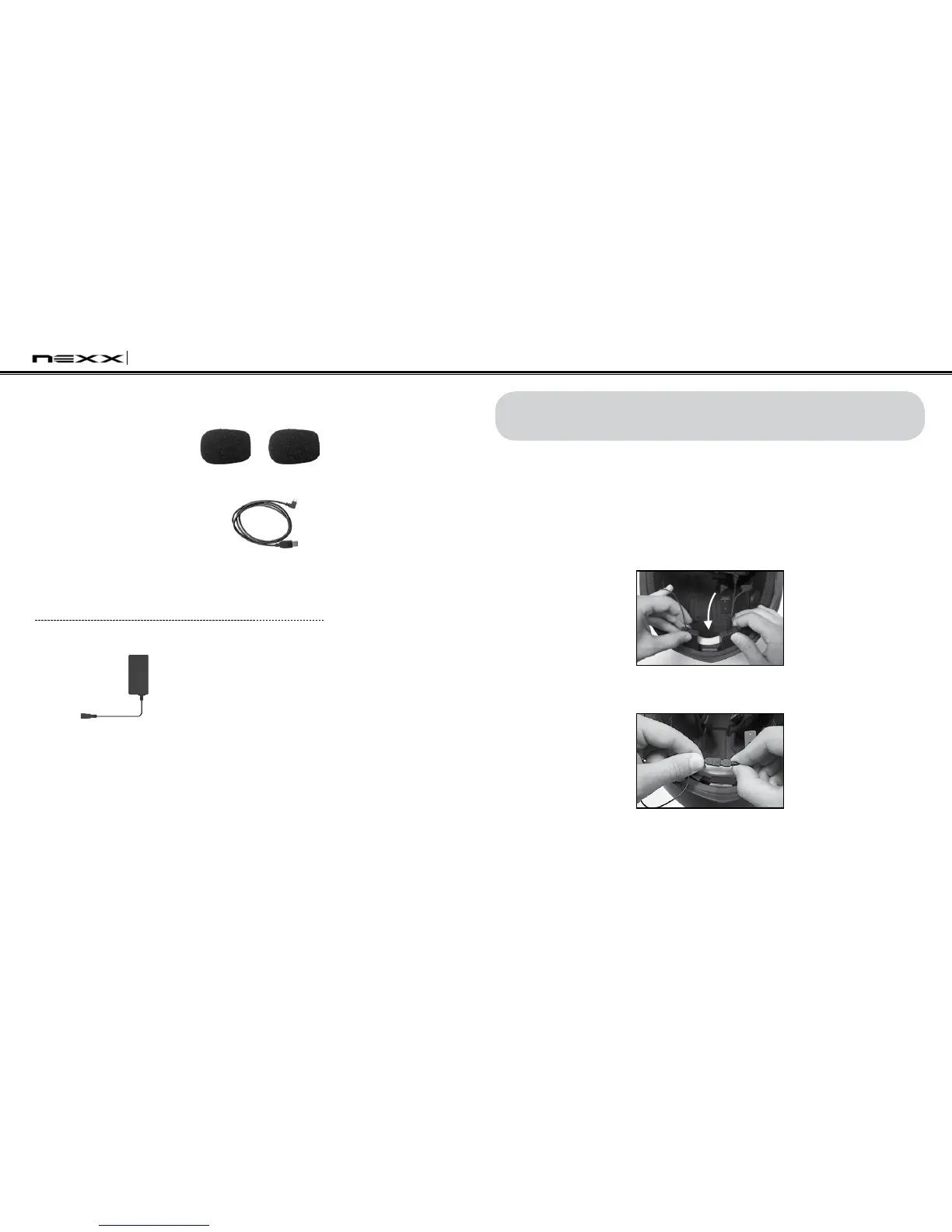
• Microphone Sponges
• USB Power & Data Cable
You can purchase an additional
battery pack for replacement.
* Optional Accessory - Battery
3. INSTALLING THE X-COM ON YOUR HELMET
To securely install the main unit of the X-COM, you can use the
velcro pad or double sided adhesive tape. Please follow the
procedure below.
1. Insert the battery and the electronic system in the cavities on the
back of the helmet.
2. Connect the battery to the 2-pin of the electronic system.


 To Next Page