X.COM3 - MOTORCYCLE BLUETOOTH COMMUNICATION SYSTEM
28
7.5 THREE-WAY CONFERENCE PHONE CALL WITH
INTERCOM USERS
You can have a Three-Way Conference Phone Call by adding an Intercom
Friend to the mobile phone conversation.
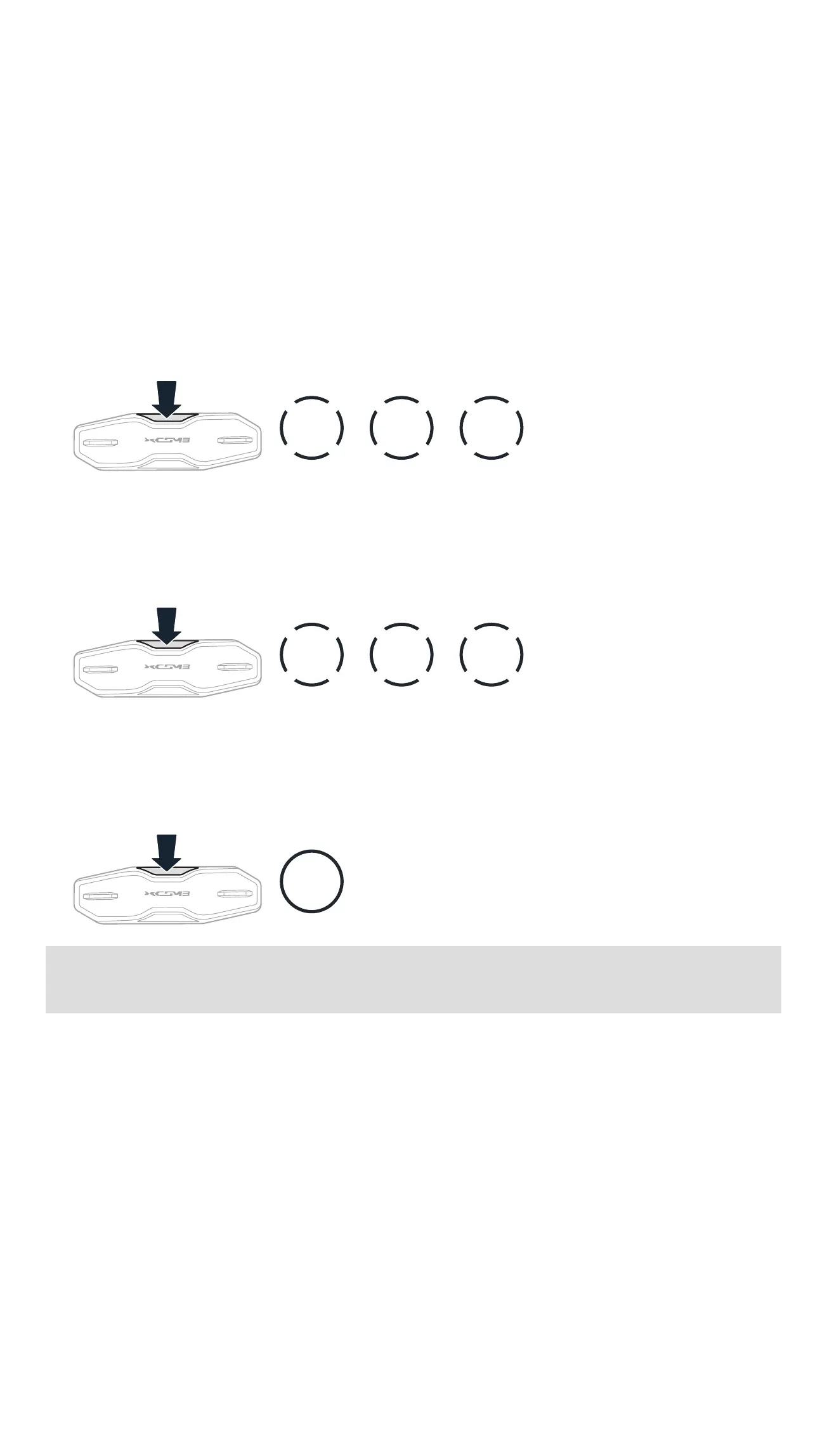
1. During a mobile phone call, tap the Center Button once, twice, or three
times to invite one of your Intercom Friends to the conversation.
Invite an Intercom Friend into Phone Conference
1x
TAP
2x
TAP
3x
TAP
2. To disconnect the intercom during a conference phone call, tap the
Center Button once, twice, or three times.
Disconnect the Intercom Friend from Conference
1x
TAP
2x
TAP
3x
TAP
3. To disconnect the mobile phone call during a conference phone call,
press and hold the Center Button for 2 seconds.
End Phone Call from Conference
2s
HOLD
Note: When you have an incoming intercom call during a mobile phone
call, you will hear high-toned double beeps.



 To Next Page