4.3 Modulation
4-40 WF1943B
(2) Set the phase DEVIATION
① Use the
and
keys to produce the following display (DEVIATION flashes).
90.000 deg
PM:TYPE DEVIATION FREQ FUNCTION
② Press the
ENTER
key.
③ Set the deviation with the keypad or
MODIFY
dial.
For example, set to 45 degrees.
④ After setting, press the
EXIT
key once to release the phase deviation setting mode.
(3) Set the modulation FREQ (frequency with varying phase)
① Use the
and
keys to produce the following display (FREQ flashes).
100.00 Hz
PM:TYPE DEVIATION FREQ FUNCTION
② Press the
ENTER
key.
③ Set the frequency with the keypad or
MODIFY
dial.
For example, set to 200 Hz (5 ms).
④ After setting, press the
EXIT
key once to release the modulation frequency setting mode.
(4) Select the modulation waveform (FUNCTION)
① Use the
and
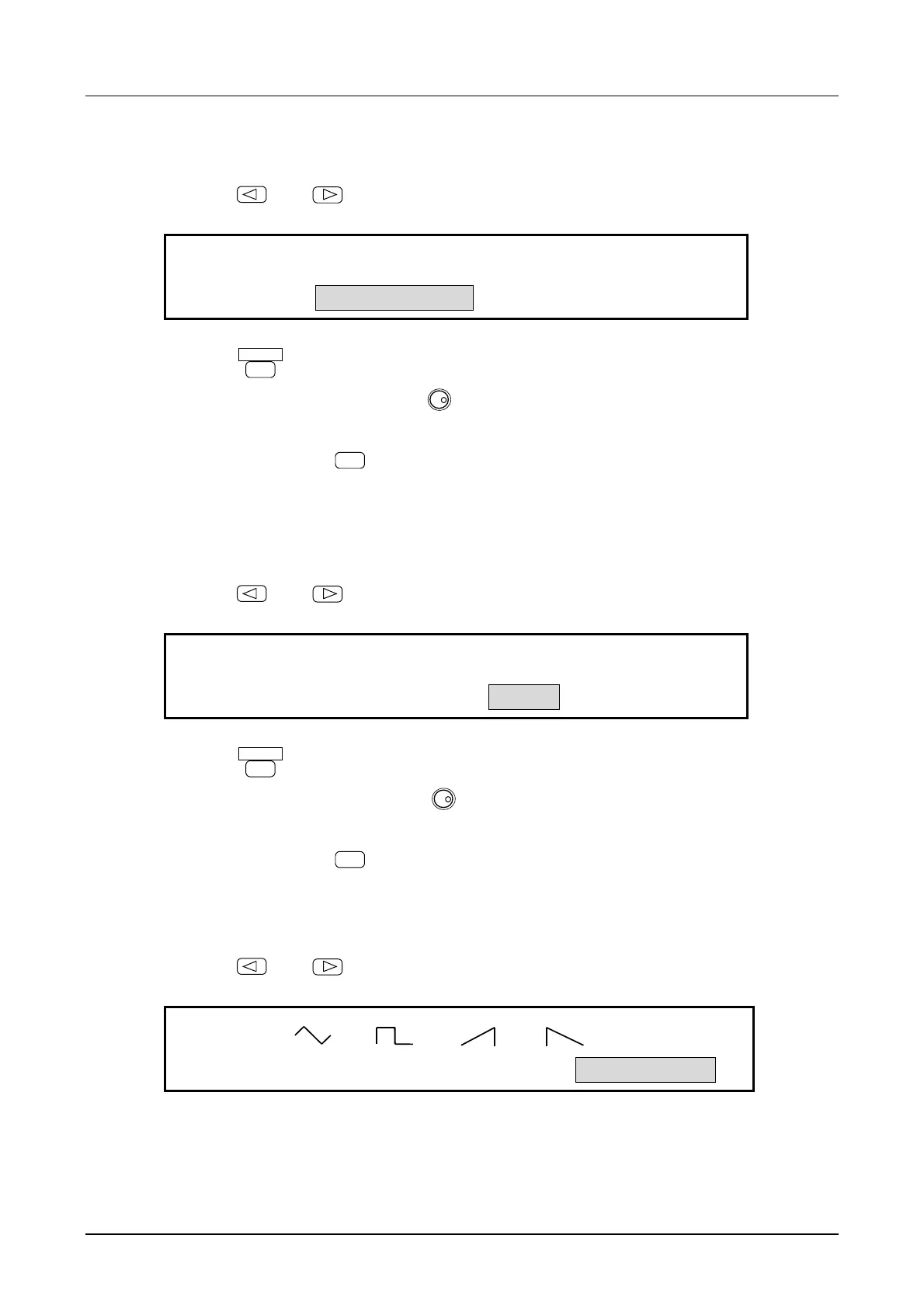
keys to produce the following display (FUNCTION flashes).
SIN
PM:TYPE DEVIATION FREQ FUNCTION



 To Next Page