4.3 Modulation
WF1943B 4-39
Phase modulation (PM) (
MODE
→
MODU
→ TYPE : PM)
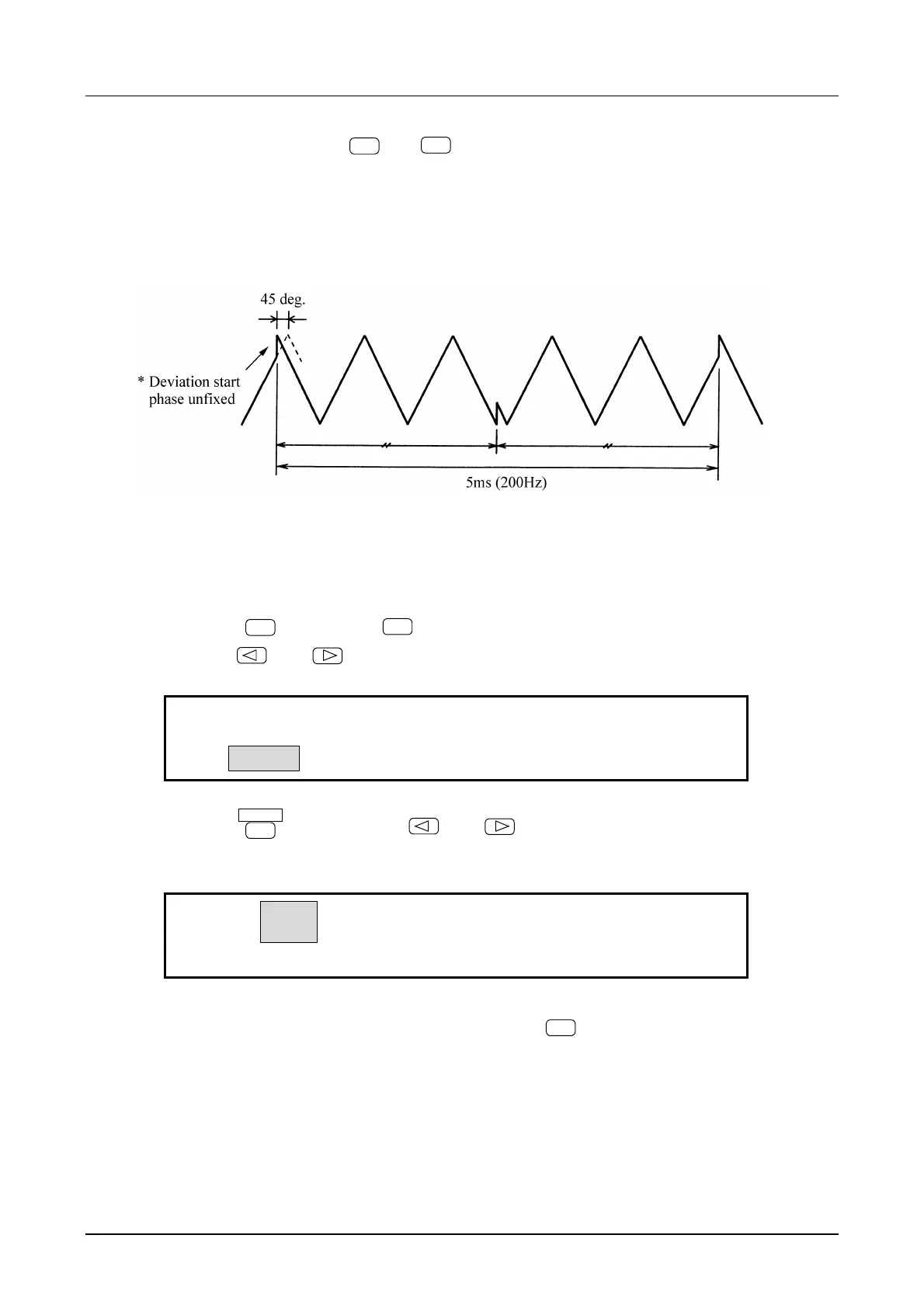
Operation to produce a phase modulated waveform output is described below. In this example, the
waveform is triangular, the 1 kHz, DC offset is set to 0 V, the oscillation start phase is set to 0 degrees, and
the frequency and amplitude are set to arbitrarily defined values.
Operation:
(1) Set modulation TYPE to phase (PM)
① Press the
MODE
key, then the
MODU
key.
② Use the
and
keys to produce the following display (TYPE flashes).
FM
PM
FM:TYPE DEVIATION FREQ FUNCTION
③ Press the
ENTER
key, then use the
and
keys to produce the following display (PM
flashes).
FM
PM
PM:TYPE DEVIATION FREQ FUNCTION
④ This sets the modulation type for phase. Press the
EXIT
key once to release the type setting
mode.



 To Next Page