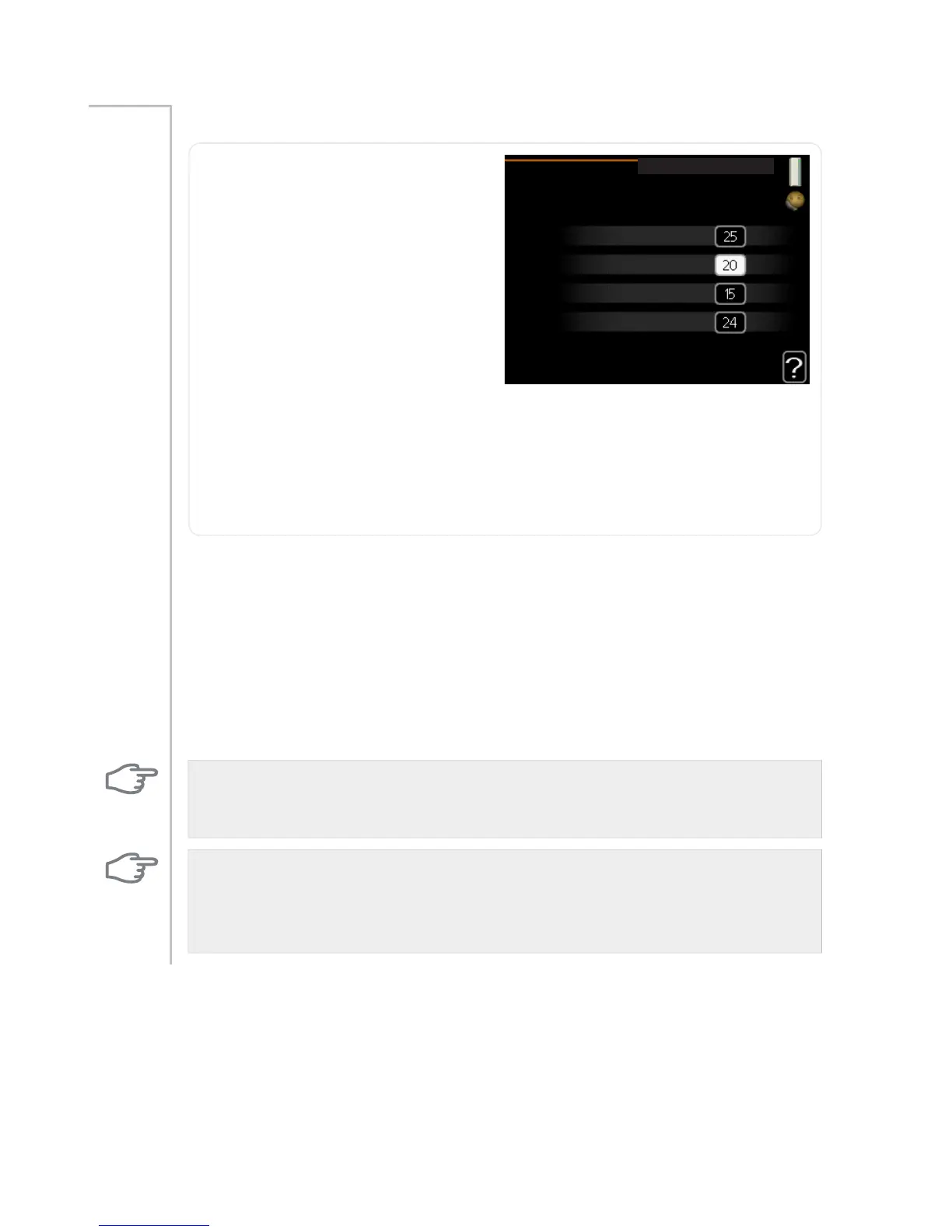
auto mode setting
VWDUW FRROLQJ
VWRS KHDWLQJ
VWRS DGGLWLRQDO KHDW
ILOWHULQJ WLPH
r&
r&
r&
KUV
DXWR PRGH VHWWLQJ
start cooling
Setting range: -20 – 40 °C
Default value: 25
stop heating
Setting range: -20 – 40 °C
Default values: 20
stop additional heat
Setting range: -25 – 40 °C
Default values: 15
filtering time
Setting range: 0 – 48 h
Default value: 24 h
Menu
4.9.2
When operating mode is set to "auto“ the heat pump selects when start
and stop of additional heat and heat production is permitted, dependent
on the average outdoor temperature. If accessories for cooling are present
or if the heat pump has the integrated cooling function you can also select
the start temperature for cooling.
Select the average outdoor temperatures in this menu.
You can also set the time over which (filtering time) the average temper-
ature is calculated. If you select 0, the present outdoor temperature is
used.
Caution
It cannot be set "stop additional heat" higher than "stop heating".
Caution
In systems where heating and cooling share the same pipes "stop heating"
cannot be set higher than "start cooling".
NIBE™ F1145Chapter 3 | F1145 – at your service58



 To Next Page