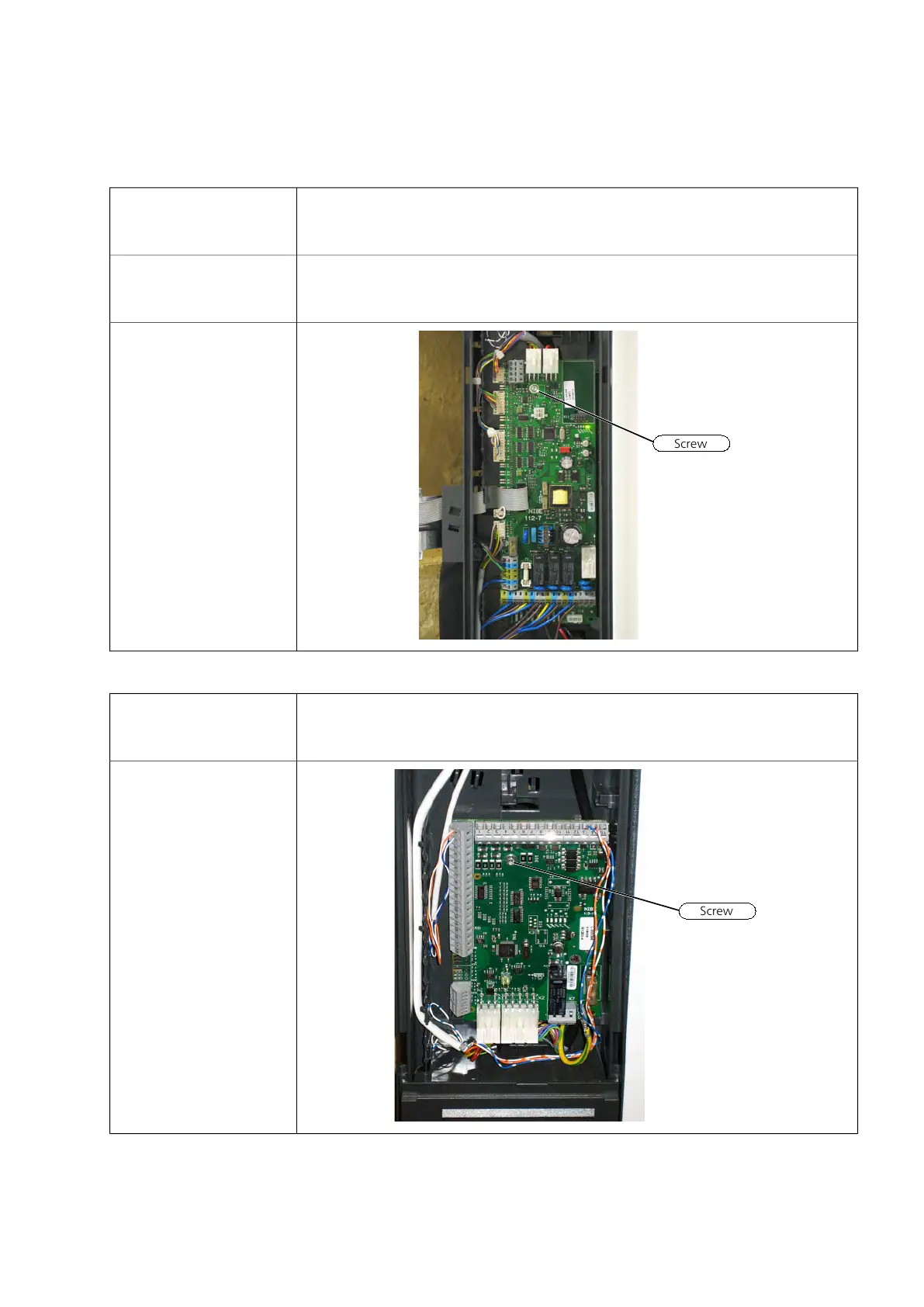
Base card (AA2)
1 Remove the plastic cover
over (AA3). See instructions
in IHB.
2 Remove the plastic cover
over (AA2). See instructions
in IHB.
3 Remove the screw and
connect cables.
Input circuit board (AA3)
1 Remove the plastic cover
over (AA3). See instructions
in IHB.
2 Remove the screw and
connect cables.
NIBE™ VVM 500Chapter 7 | Component replacement46



 To Next Page
 Loading...










