EasyManua.ls Logo

Nidek Medical LE-9000SX - User Manual

Nidek Medical LE-9000SX
168 pages
Print Icon
To Next Page IconTo Next Page
Loading...
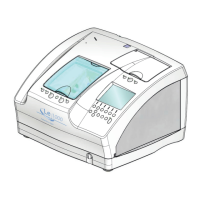
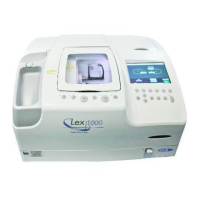
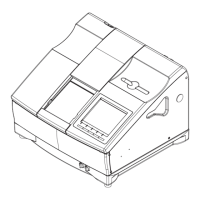
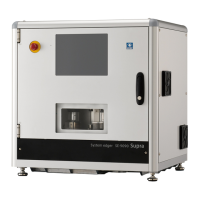
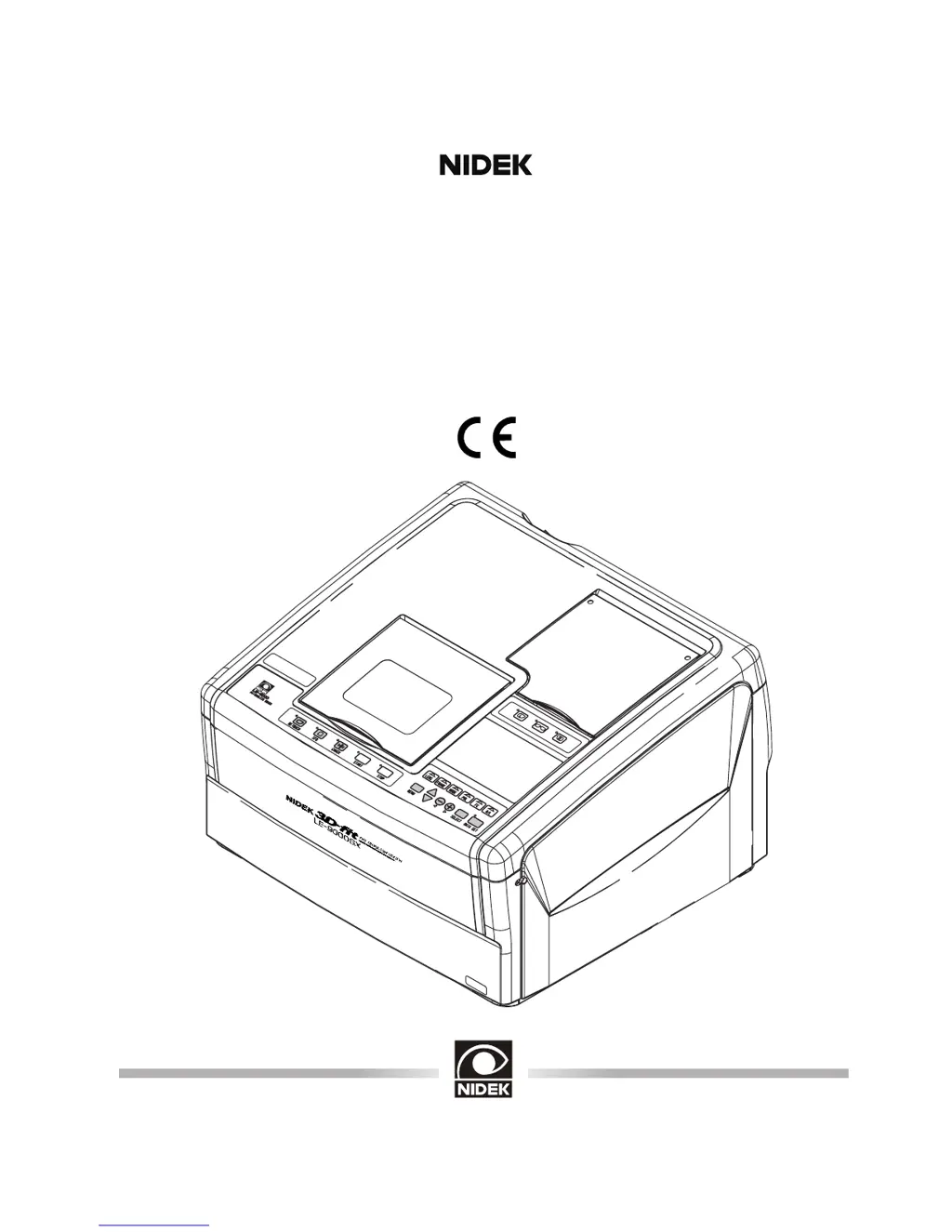
PATTERNLESS EDGER
Model LE-9000SX
OPERATOR’S MANUAL

Table of Contents

Questions and Answers

  • J
    Julia DavisJul 31, 2025
    Why doesn't the Nidek Medical Edger start processing when I press the button?
    • D
      Dawn GarciaJul 31, 2025
      If the Nidek Medical Edger doesn't start when you press the button and a beep sounds, it could be that the soundproof cover is open. Make sure to close it. Also, check if the instrument is trying to process the same side of the lens. If so, press the button to switch the indication from R to L to process the opposite lens.
  • S
    Steven MyersAug 5, 2025
    What to do if the Nidek Medical Edger display changes to Bevel simulation and the traced outline blinks during lens shape measurement?
    • A
      aparkerAug 5, 2025
      If the display changes to the Bevel simulation display and a part of the traced outline blinks during lens shape measurement, it means the lens you're using isn't large enough for the selected lens outline. To fix this, press the button to stop processing. Then, either use a larger lens or change the lens layout.
  • K
    karenmorrowAug 10, 2025
    Why does retracing start automatically on my Nidek Medical Edger?
    • E
      elliottmelissaAug 10, 2025
      Automatic re-tracing, indicated by blinking lamps, occurs because there's a circumference difference of 1 mm or more between the right and left rims. To resolve this, trace a single rim and then edge a lens.
  • J
    Jessica JacksonAug 15, 2025
    What to do if Nidek Medical Edger shows "Use chuck for half-eye lens"?
    • J
      Jonathan PhelpsAug 15, 2025
      To resolve this, use the adapter set for half-eye lens.
  • E
    Evan PearsonAug 20, 2025
    What to do if the stylus comes off the groove of frame during tracing of Nidek Medical LE-9000SX?
    • M
      Michael AndersonAug 20, 2025
      If the stylus comes off the groove during tracing and the lamp blinks, press the button to return the stylus to its original position and trace the frames again. If the frames are sharply warped, set only one rim and hold the other rim to trace.
  • M
    Maria HernandezAug 25, 2025
    How to fix Nidek Medical LE-9000SX when error code appears?
    • T
      Thomas KimAug 26, 2025
      If an error code appears and the instrument stops, press the button to reset the instrument. If the error code persists, contact NIDEK or your authorized distributor.

Summary

§1 Introduction

1.1 Outline of the Product

Describes the automatic lens edger, its functions, and capabilities.

§2 Safety

2.1 Cautions during Use

Provides critical warnings and precautions for safe operation to prevent injury and damage.

2.4 Installation

Specifies the required environmental conditions and setup guidelines for installing the instrument.

§4 Operating Procedures

4.3 Tracings

Covers the procedures for tracing frames, patterns, and dummy lenses to capture lens outlines.

4.4 Layouts

Explains how to select processing conditions and input layout data for lens processing.

4.5 Blocking Lenses

Describes the process of blocking lenses, including different modes like active, passive, and bifocal.

4.6 Processings

Details various lens processing methods such as beveling, flat edging, grooving, polishing, and chamfering.

§5 Other Functions

§6 Troubleshooting Guide

§8 Maintenance

8.1 Wheel Dressing

Explains the procedure for dressing the processing wheels to maintain their performance and accuracy.

8.14 Tracer Calibration

Explains the essential process of calibrating the tracer for accurate shape measurements.

§9 Specifications

Appendix B Error Code

Nidek Medical LE-9000SX Specifications

General IconGeneral
TypeEdger
ModelLE-9000SX
GroovingYes
Safety BevelingYes
Edging Materialpolycarbonate
BevelingYes
Bevel Position AdjustmentYes
Bevel Height AdjustmentYes
ChamferingYes
Water CoolingYes
Power Supply50/60Hz

Related product manuals