05-201
52
Transmitting the Nikobus address from the PC-Logic
The PC-Logic transmits its Nikobus address to the Nikobus (also to the PC) to identify
itself to the PC software. The address is shown on the display.
1. Briey press
and select the menu item.
2. Briey press
in order to send the address.
3. Briey press
, the address is sent, return to the main screen.
For more information concerning transmission of this Nikobus address, please refer to
the software manual on the CD-Rom.
Sms-interface
To activate an sms link, you rst need to provide a modem (05-203-01).
Specications: - Tri Band GSM/GPRS modem
- sms link
- DC 10.8-31.2V
A cable for connecting the modem to the PC-Logic is supplied, as well
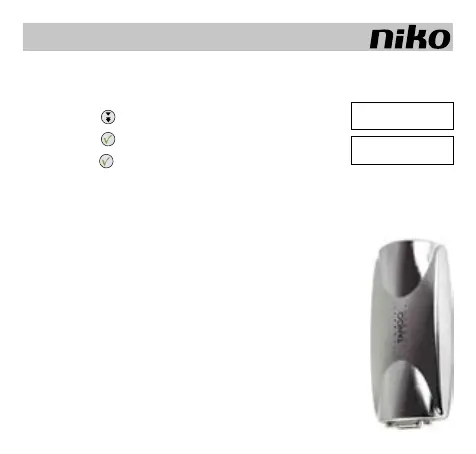
as a wall mounting device to install a mobile phone antenna.
To program your sms interface, you need to proceed as described in
section 5 (CONFIGURATION VIA PC).
Required: PC Logic, minimum version 4.3.
Nikobus software, minimum version 3.1.1.
The SMS modem will switch to SMS mode after a message is sent
from the system.
GB
[ SEND ID ]
Sheck error
SEND ID (####)
Send [ >]



 To Next Page