05-201
53
Changing the settings
After programming by PC, you can still change the settings directly on the module. The
4 programmed mobile phone numbers (for receiving messages) can be altered, as well
as the entered passwords (for the set commands).
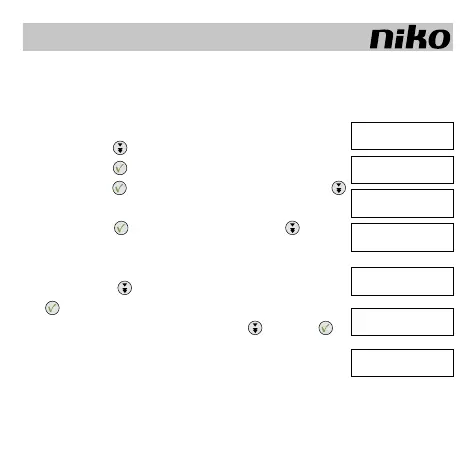
The procedure occurs as follows:
1. Shortly press
and select the menu point.
2. Shortly press
to conrm your choice.
3.a. Shortly press
to alter a mobile phone number, or press
to select another mobile phone number.
4.a. Shortly press
to confirm a number, or press to select
another number.
Changing the password:
3.b. Shortly press to select the password and shortly press
to confirm.
4.b. Enter your password by shortly pressing
and press to
conrm each digit in your password.
5.b. If your password is entered correctly, the following will appear:
”PASSWORD CORRECT”.
And subsequently you can repeat the same procedure as in 3.b. to change your pass-
word.
GB
[ SMS ]
Set inputs
[ GSM NUMBERS ]
pasword
[ GSM NUMBERS 1 ]
GSM number 2
[ GSM NUMBERS 1 ]
+01234567890
[ PASWORD ]
GSM numbers
[ ENTER PASWORD ]
****
[ CHANGE PASWORD ]
1234



 To Next Page