21
s
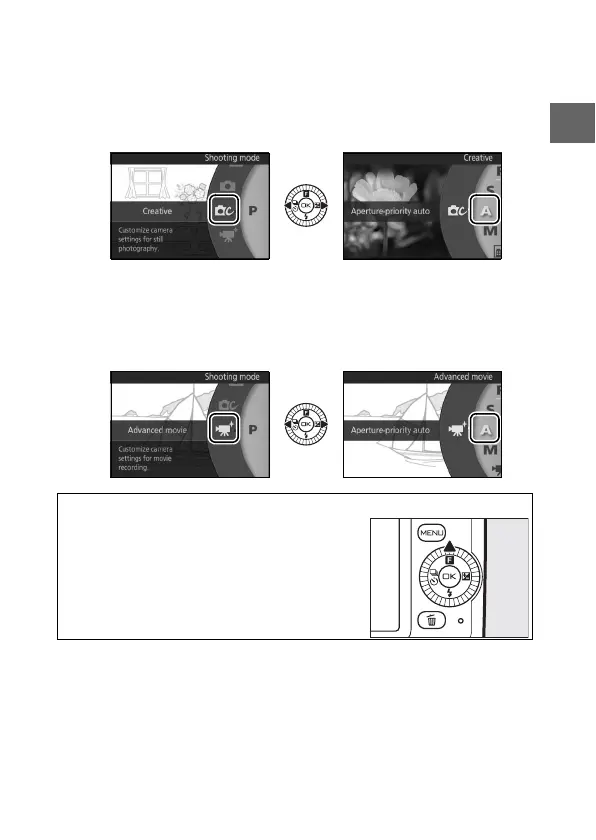
w Creative mode: Choose a scene (0 36).
• Programmed auto (P) • Night portrait (o)
• Shutter-priority auto (S) • Backlighting (m)
• Aperture-priority auto (A) • Soft (q)
• Manual (M) • Miniature effect (r)
• Night landscape (j) • Selective color (s)
v Advanced movie mode: Choose between HD (0 56) and slow-
motion movies (0 61).
• Programmed auto (P) • Manual (M)
• Shutter-priority auto (S) • Slow motion (y)
• Aperture-priority auto (A)
A
& (Feature)
The options for each mode can also be dis-
played by pressing the & key on the multi
selector after selecting the shooting mode.



 To Next Page
 Loading...









