ii
Getting the Most from Your Camera
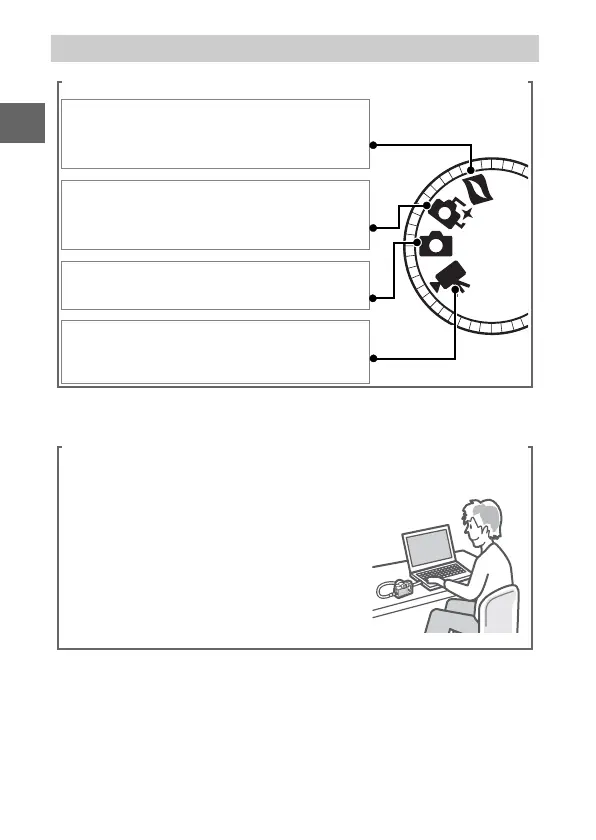
Take pictures or movies in any of four modes.
Choose q Motion Snapshot mode
(0 45) to record both photographs and
brief movie vignettes,
w Smart Photo Selector mode (0 31) to
capture fleeting changes of expression
and other hard-to-time shots,
e still image mode (0 23) for most
photographs, or
r movie mode (0 37) to record high-
definition or slow-motion movies.
Combine photos, movies, and music.
q Install the supplied software
(0 81), w copy photos and movies to
your computer (0 85), and e use
Short Movie Creator to create short
movies (0 88).



 To Next Page
 Loading...









