76
I
Rate pictures or mark them as candidates for later deletion
(0 75). The Slide show option in the playback menu can be
used to display only pictures with a selected rating or ratings
(0 77). Rating is not available with protected images.
1
Select a picture.
Display a picture in full-frame playback or highlight it in the
thumbnail list.
2
Press &.
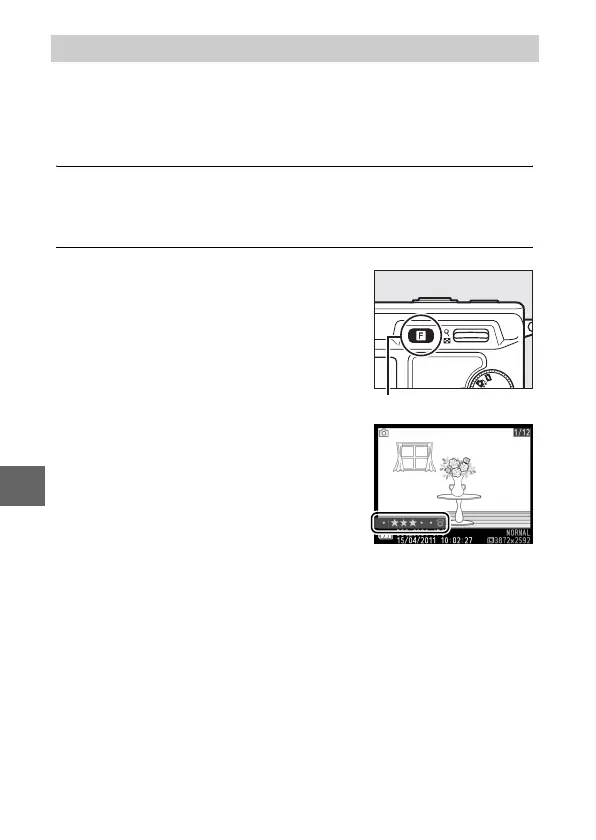
Rating Pictures
Press & and rotate the multi selector
to choose from ratings of zero to five
stars, or select ) to mark the picture
as a candidate for later deletion. The
rating is stored when you press J or
display another picture.
& button



 To Next Page
 Loading...









